Last updated July 5, 2026
Heads up: this post contains affiliate links. If you buy through them I may earn a small commission at no extra cost to you. I only recommend what I’ve used or genuinely evaluated. Full disclosure here.
Adults 60 and older lost $3.4 billion to identity theft in a single year — and that figure represents 41% of all identity theft losses across every age group, despite seniors making up only a fraction of the population [1]. That is not a coincidence. Thieves target older adults deliberately, because the payoff is bigger and the detection is often slower.
This guide on identity theft protection for seniors: simple ways to lock down your Social Security and bank accounts cuts through the jargon. No scare tactics. No upsells. Just a plain-English weekend checklist you can actually finish.
Key Takeaways
- Seniors are disproportionately targeted — and the financial and emotional damage is severe [1][6]
- A credit freeze is the single most powerful free tool available, and most people skip it
- Protecting your Social Security number is not complicated, but it requires consistent habits
- Free government tools exist that most seniors have never used
- Identity theft protection services can help, but they are not a substitute for the basics
Why Seniors Are the Primary Target — and What That Means for You
Thieves are not random. They are strategic.
Older adults tend to have more savings, more stable credit histories, and — on average — less familiarity with the digital systems that criminals exploit. That combination makes seniors a high-value target [2].
There is another factor most people do not think about. Older adults often share more personally identifiable information (PII) with caregivers, doctors, and medical billing offices than younger people do [2]. Every time that information moves through an extra set of hands, the exposure risk goes up.
The three most common schemes used against seniors are:
- Medical identity theft — someone uses your Medicare or insurance information to file fraudulent claims
- Tax fraud — a thief files a fake return using your Social Security number before you do
- Wire transfer fraud — often triggered by a phone or email scam that convinces you to move money [1]
💡 What to watch out for: A phone call from someone claiming to be the IRS, Social Security Administration, or Medicare is almost always a scam. These agencies contact you by mail first — not by phone.
Beyond the money, the psychological toll is real. Research documents significant anxiety and feelings of helplessness among older adults who experience identity theft [6]. That is worth taking seriously. Prevention is not just about dollars — it is about peace of mind.
Identity Theft Protection for Seniors: The Weekend Checklist That Actually Works
This section is the core of what you came here for. These steps are ranked from highest impact to lowest. Start at the top.
Step 1: Freeze Your Credit at All Three Bureaus — Today
A credit freeze (also called a security freeze) locks your credit file so no one — including you — can open a new line of credit without unfreezing it first. It is free. It is the most effective single step you can take.
You need to freeze with all three bureaus separately:
| Bureau | Website | Phone |
|---|---|---|
| Equifax | equifax.com/personal/credit-report-services | 1-800-685-1111 |
| Experian | experian.com/freeze/center | 1-888-397-3742 |
| TransUnion | transunion.com/credit-freeze | 1-888-909-8872 |
Honest downside: If you apply for a new credit card, car loan, or apartment, you will need to temporarily lift the freeze. It takes about 15 minutes online and is free — but it is an extra step many people find annoying.
A fraud alert is a lighter option. It tells lenders to take extra steps to verify your identity before opening an account. You only need to place it with one bureau, and they notify the others. It lasts one year and is also free [3].
Step 2: Lock Down Your Social Security Number
Your Social Security number is the master key to your financial identity. Treat it that way.
Practical rules:
- Never carry your Social Security card in your wallet
- Do not give your SSN over the phone unless you initiated the call and know exactly who you are talking to
- Question any business that asks for it — many do not actually need it [3]
The Social Security Administration offers a free tool called my Social Security (ssa.gov/myaccount). Set up your online account even if you are already collecting benefits. This prevents a thief from creating an account in your name and redirecting your payments.
Step 3: Monitor Your Bank Accounts Weekly
One more layer worth having: a VPN scrambles your internet connection so no one can snoop on what you’re doing — especially on public Wi-Fi. NordVPN is the one I use, and it now bundles antivirus and monitoring too.
You do not need expensive software for this. Log into your bank account once a week and scan for transactions you do not recognize. Most banks now offer free text or email alerts for transactions over a threshold you set — even $1.
Set these alerts right now:
- ✅ Any transaction over $50 (or whatever feels right for your habits)
- ✅ Any international transaction
- ✅ Any new payee added
- ✅ Login from a new device
Regularly monitoring your accounts helps you catch unauthorized activity early, before it compounds [3].
Step 4: Pull Your Free Credit Reports
You are entitled to one free credit report per bureau per year at AnnualCreditReport.com — the only government-authorized site. That is three reports total.
A smarter approach: stagger them. Pull Equifax in January, Experian in May, TransUnion in September. That gives you a check every four months at no cost.
Look for:
- Accounts you did not open
- Addresses you have never lived at
- Inquiries from lenders you never contacted
Step 5: Handle Passwords Like an Adult
Strong, unique passwords are impossible to keep in your head — so let a password manager do it. RoboForm is the one I recommend: it stores and fills your logins, and you only have to remember one master password.
“Password123” and your dog’s name are not passwords. They are invitations.
Cybersecurity experts consistently recommend using unique, complex passwords for every account — and a reliable password manager to keep track of them [7]. A password manager stores all your passwords in one encrypted vault. You only remember one master password.
Good options that are senior-friendly:
- Bitwarden — free, simple, well-reviewed
- 1Password — paid, excellent customer support
- NordPass — clean interface, easy to learn
Honest downside: There is a learning curve. Plan on 30–60 minutes to get set up. Ask a trusted family member to help if needed — but make sure the master password stays yours alone.
Also: turn on two-factor authentication (2FA) on your email, bank, and Social Security accounts. This sends a code to your phone when you log in from a new device. Even if someone steals your password, they cannot get in without that code.
Step 6: Remove Your Personal Data From Broker Sites
Freezing and locking your accounts protects the front door. This step reduces how much of your information is out there in the first place. Data brokers and people-search sites quietly collect and sell your name, address, phone number, and relatives — the exact details scammers use to target seniors. A data-removal service like Incogni sends opt-out requests to those brokers on your behalf, so there’s less of your personal information available to be bought, scraped, or abused. It’s a lower-urgency step than the credit freeze, but it’s the one most people never think to do.
Should You Pay for an Identity Theft Protection Service?
If you’d rather have one service handle the monitoring for you, Aura is the identity protection service I recommend — it covers credit and bank monitoring, dark-web alerts, and identity theft insurance.
This is where the marketing gets loud. Let’s be honest about what these services actually do.
Services like LifeLock, Aura, and Identity Guard monitor your credit, scan the dark web for your personal information, and alert you when something looks wrong. Some offer insurance reimbursement and recovery assistance if theft occurs [4].
What they do well:
- Continuous monitoring you might not do yourself
- Dark web scanning (checking if your data is being sold on criminal networks)
- Recovery support — having someone help you file disputes and paperwork is genuinely valuable [4]
- 24/7 customer service, which matters if you are dealing with a crisis at 10 p.m.
Some banks also bundle these services. For example, certain banks partner with services like Deluxe® ProventSM to offer credit monitoring, quarterly credit scores, and recovery assistance for a monthly fee [5].
What they do not do:
- Prevent theft from happening
- Replace the basic steps above
- Guarantee full financial recovery
The bottom line on paid services: If you have completed all the free steps above and want an extra layer of monitoring, a reputable paid service is a reasonable choice. If you have not done the basics yet, start there first. No subscription replaces a credit freeze.
Typical cost: $10–$30 per month. Family plans are available and can cover adult children and grandchildren [4].
What to Watch Out For: Scams Dressed as Protection
Here is the irony that should make you pause. Some of the worst identity theft scams are disguised as identity theft protection.
Watch for:
- Unsolicited calls offering to “protect” your Social Security number for a fee
- Fake Medicare representatives asking to verify your information
- Phishing emails that look like they are from your bank, asking you to “confirm” account details
- Pop-up alerts on your computer claiming your identity has been compromised — and offering a number to call
🚨 Rule of thumb: Legitimate companies and government agencies do not call you out of the blue and ask for personal information. Hang up. Look up the real number. Call back yourself.
The National Identity Theft Authority offers educational resources specifically designed for seniors navigating these threats [8].

Identity Theft Protection for Seniors: Simple Ways to Lock Down Your Social Security and Bank Accounts — The Weekend Plan
Here is the whole thing condensed into a realistic two-day plan.
Saturday Morning (1–2 hours)
- Freeze your credit at Equifax, Experian, and TransUnion
- Set up your my Social Security account at ssa.gov/myaccount
- Enable transaction alerts on all bank and credit card accounts
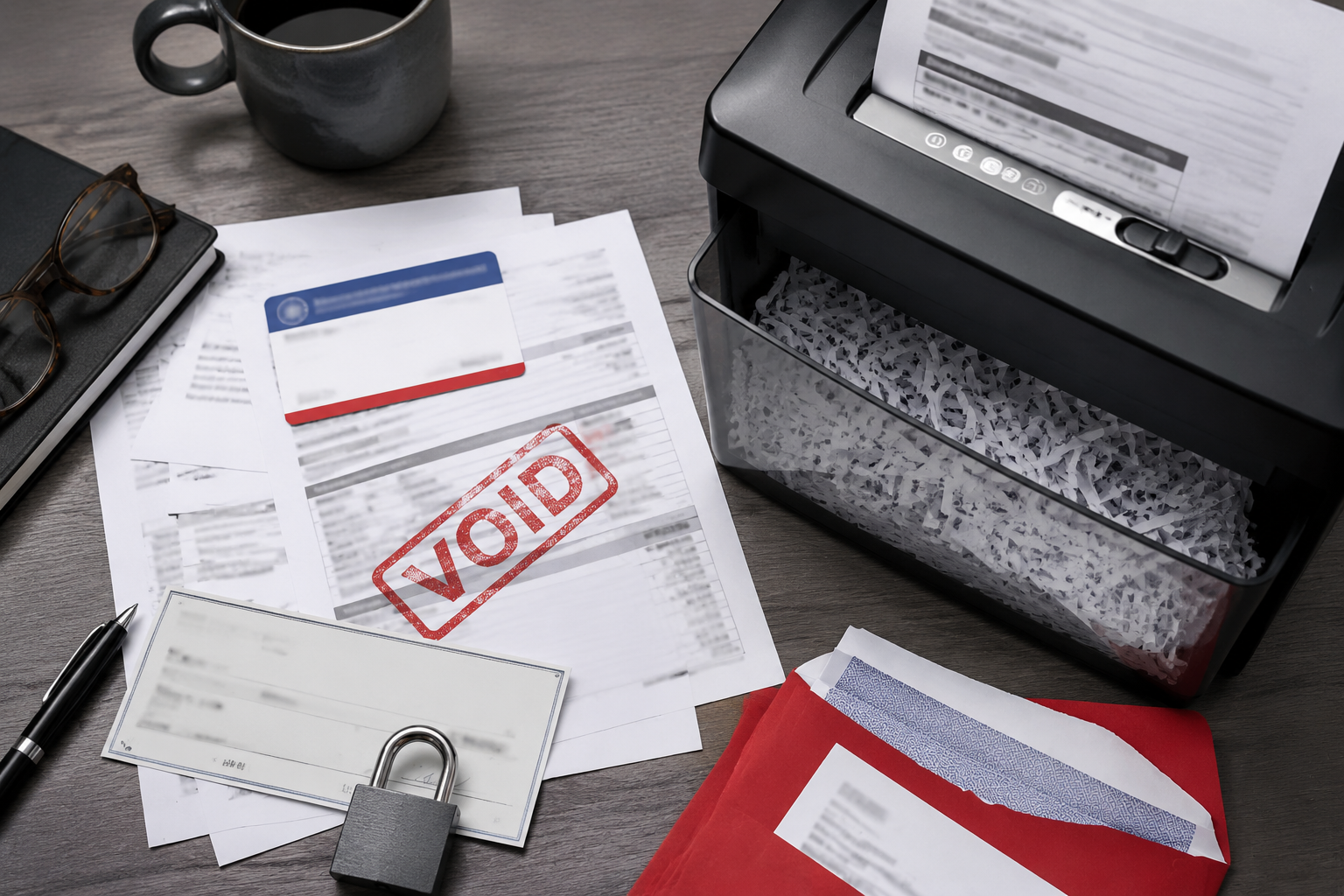
- Shred any financial documents older than seven years sitting in your files
Sunday Afternoon (1 hour)
- Pull one free credit report at AnnualCreditReport.com and review it
- Change your email and bank passwords to something strong and unique
- Download a password manager and start moving passwords into it
- Turn on two-factor authentication on your email and bank accounts
Ongoing (monthly):
- Scan bank accounts weekly
- Review credit card statements when they arrive
- Shred financial mail before recycling it [3]
Conclusion
Identity theft protection for seniors — specifically locking down your Social Security and bank accounts — does not require expensive software or a tech background. It requires about three hours on a weekend and consistent habits after that.
Start with the credit freeze. It is free, it is powerful, and most people have not done it. Add the Social Security account lock. Set up transaction alerts. Review your credit reports on a rotating schedule.
If you want the extra layer of a paid monitoring service, that is a reasonable choice — just make sure the basics are already in place.
No hype here. These steps work. They are tested and approved by security experts and backed by real data [7]. The only thing between you and a much safer financial life is a Saturday morning.
References
[1] Statistics – https://www.seniorliving.org/identity-theft-protection/statistics/?utm_source=openai
[2] Identity Theft – https://www.security.org/identity-theft/?utm_source=openai
[3] Identity Theft Protection – https://www.febank.com/identity-theft-protection?utm_source=openai
[4] Seniors – https://www.security.org/identity-theft/best/seniors/?utm_source=openai
[5] Identity Theft Protection – https://www.bankmw.com/personal-banking/identity-theft-protection/?utm_source=openai
[6] Financial Psychological Impact Identity Theft Among Older Adults – https://www.rti.org/publication/financial-psychological-impact-identity-theft-among-older-adults?utm_source=openai
[7] Best Identity Theft Protection – https://www.techradar.com/best/best-identity-theft-protection?utm_source=openai
[8] Senior Identity Theft – https://nationalidentitytheftauthority.com/senior-identity-theft.html?utm_source=openai