Published June 3, 2026
Nearly 90% of adults over 65 say they want to stay in their own home as they age — but most traditional medical alert systems haven’t changed much since the 1980s. That’s shifting fast in 2026. AI-powered home health monitoring and medical alert systems that let seniors age in place safely are no longer science fiction. They’re real, they’re available now, and some of them are genuinely impressive.
This guide cuts through the marketing noise. No hype. No scare tactics. Just plain English on what these systems actually do, what to watch out for, and which ones are worth your attention.
Key Takeaways
- 🧠 AI monitoring has moved far beyond the “help, I’ve fallen” button — today’s systems track vitals, daily routines, medication, and behavioral changes continuously.
- 🚫 Many top systems require no cameras and no wearables — a major privacy and comfort win for most seniors.
- ⚠️ Not every system is ready for every home — monthly fees, internet dependency, and setup complexity vary widely.
- 📲 Caregivers and family members are central to how these systems work — the alerts only help if someone is ready to act on them.
- 💡 The best system is the one you’ll actually use — simplicity and privacy matter more than feature lists.
What’s Actually Changed With AI-Powered Home Health Monitoring
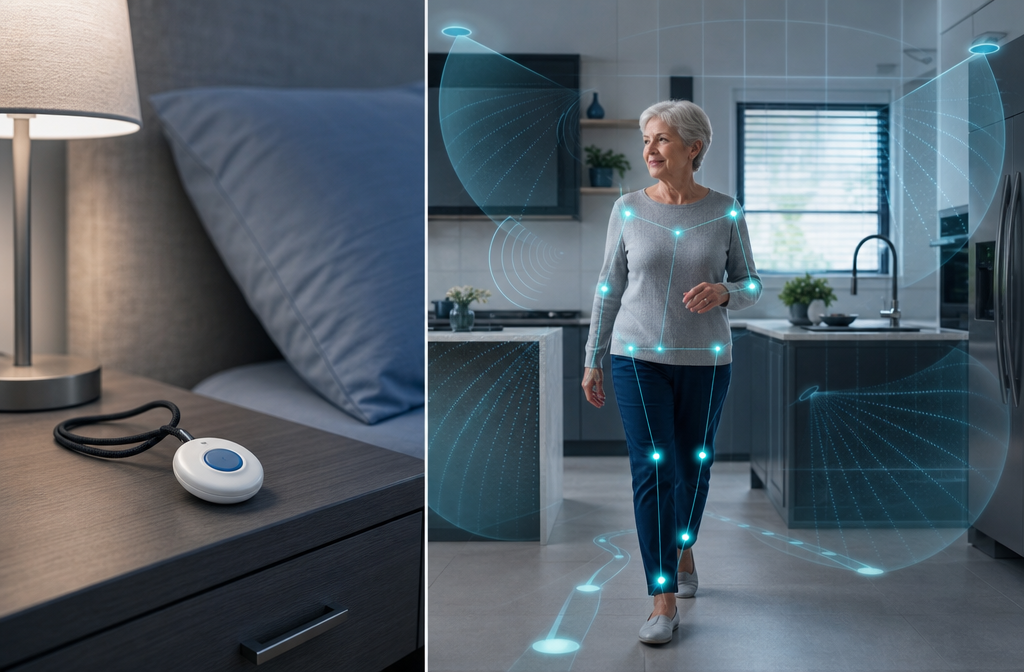
The old medical alert system was simple: press a button, get help. It worked — but only if you could press the button. Falls, strokes, and cardiac events don’t always give you that chance.
AI-powered home health monitoring and medical alert systems that let seniors age in place safely work differently. They watch continuously, learn your normal patterns, and flag when something looks wrong — before a crisis happens.
Here’s what the new generation of systems can actually do:
| Feature | Old Medical Alert | AI-Powered System |
|---|---|---|
| Fall detection | Button press only | Automatic, passive |
| Vital signs | None | Continuous (heart rate, breathing) |
| Routine monitoring | None | Learns your daily patterns |
| Medication reminders | None | Smart reminders + adherence tracking |
| Caregiver alerts | Emergency only | Proactive wellness updates |
| Cameras required | Sometimes | Often camera-free |
FutureCare, for example, uses a camera-free system that learns a senior’s daily routine and alerts caregivers when something deviates from normal — like if someone who always makes coffee at 8 a.m. hasn’t moved to the kitchen by noon. [1]
MyIntel takes a similar approach, using privacy-first sensors to track activities of daily living — meals, mobility, sleep — without cameras or wearables. Families get peace of mind. Care teams get actionable data. [4]
Zemplee passively monitors daily living patterns and sends proactive wellness insights to caregivers and clinicians, not just emergency alerts. [8]
💬 “The shift isn’t from dumb to smart — it’s from reactive to proactive. These systems are trying to prevent the emergency, not just respond to it.”
What “Passive Monitoring” Actually Means
You’ll hear this term a lot. Passive monitoring means the system works in the background without you doing anything. No button to press. No wearable to remember. Sensors in your home — usually small wall-mounted devices — track movement, temperature, sound patterns, or radar signals.
MIRAI uses contactless monitoring to detect vital signs and falls without cameras or microphones. [5] KuboCare uses radar-based AI to monitor health and movement 24/7 in senior living facilities and private homes. [6] Mercury Alert installs a hands-free device in the bedroom that detects emergencies and alerts caregivers immediately. [10]
None of these require you to remember to wear something or press anything. That matters — a lot — for people who’ve resisted traditional alert systems because they felt undignified.
How These Systems Work in a Real Home
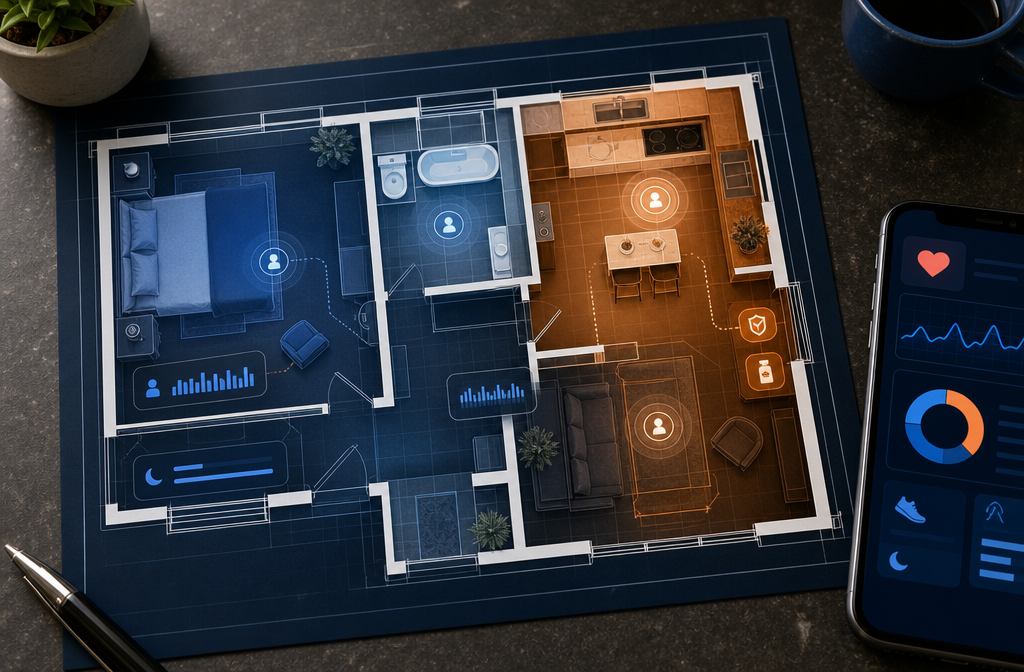
Understanding the technology helps you ask the right questions before you buy. Here’s the plain-English version of how most AI home monitoring systems work.
Step 1: Sensors Learn Your Baseline
When a system is first installed, it spends days or weeks learning what “normal” looks like for you. When do you wake up? How long do you usually spend in the bathroom? When do you eat? How active are you in the afternoon?
This baseline is personal to you — not a generic average. That’s what makes AI useful here.
Step 2: Continuous Monitoring Runs in the Background
Once the baseline is set, the system watches continuously. Motion sensors, radar devices, or wearables collect data around the clock. Most systems process this data locally or in a secure cloud — check the privacy policy before you sign up.
SmartAgingAI combines wearable devices with AI to detect falls, monitor behavioral changes, and send real-time alerts to caregivers. [2] The goal is to catch warning signs — like reduced activity or irregular sleep — before they become a hospital visit.
Step 3: Alerts Go to Caregivers (and Sometimes Clinicians)
When something looks off, the system sends an alert. This might go to a family member’s phone, a professional monitoring center, or a care team.
Ora Living combines real-time remote monitoring with predictive AI to track vitals and send timely alerts when health patterns shift — particularly useful for seniors transitioning home from a hospital stay. [9]
iTonic Health adds smart medication management and an AI companion to the mix, reducing missed doses and supporting intergenerational care coordination. [3]
Step 4: Some Systems Add a Human Voice
Safe4Seniors offers “Sunny,” an AI voice companion that calls seniors daily to check in on mood, pain levels, sleep, and medication adherence. If something sounds wrong, caregivers get an alert. [7] This is a genuinely different approach — it adds social connection alongside safety monitoring.
What to watch out for: AI voice companions are only as useful as the senior’s willingness to engage. If your parent hates talking on the phone, this won’t work.
Comparing the Top AI Home Monitoring Systems in 2026
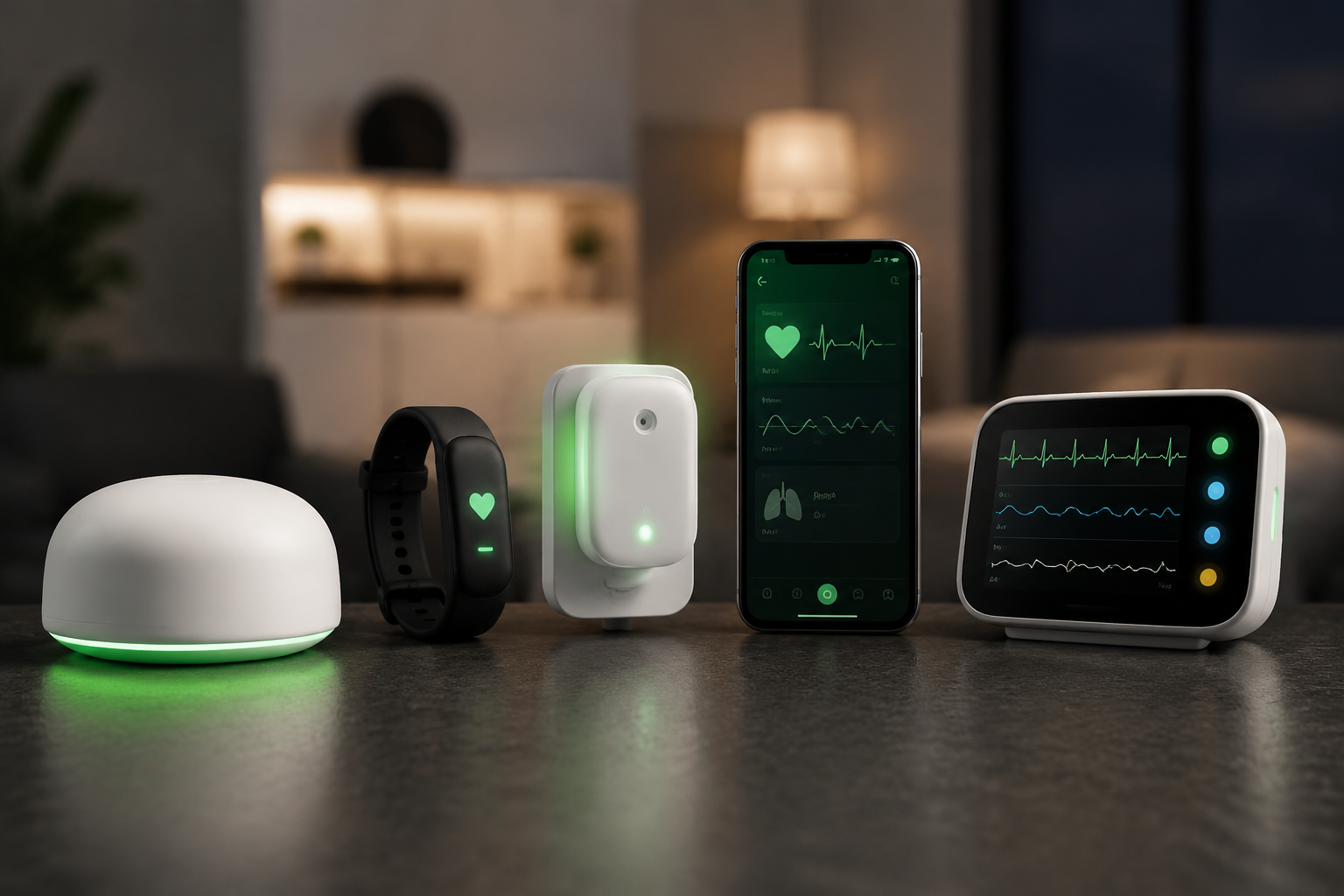
Here’s a straight look at the main players. No affiliate rankings. Just what each system does well — and where it falls short.
Best for Privacy-Conscious Seniors
MyIntel and MIRAI both operate without cameras or microphones. If privacy is the top concern — and for many seniors, it is — start here. [4][5]
Downside: Camera-free systems may miss visual cues that a camera would catch. They’re also less useful in homes with complex layouts where sensors have limited range.
Best for Families Managing Care From a Distance
Zemplee and Ora Living are built with remote caregivers in mind. Both provide dashboards that give family members and clinicians a clear picture of daily wellness trends — not just emergency alerts. [8][9]
Downside: These systems require someone on the other end who is actually monitoring the dashboard. If no one checks the app regularly, the value drops significantly.
Best for Medication Management
iTonic Health integrates medication reminders, tracking, and an AI companion in one platform. If missed medications are the primary concern, this is worth a close look. [3]
Downside: More features mean more complexity. Setup may require help from a tech-savvy family member.
Best for Hands-Free Fall Detection
KuboCare and Mercury Alert both offer radar-based, hands-free fall detection with no wearables required. [6][10]
Downside: Radar-based systems can be confused by pets or unusual movement patterns during the learning phase. Expect a few false alerts early on.
Best for Social Isolation
Safe4Seniors’ “Sunny” is the only system here that directly addresses loneliness alongside safety. Daily check-in calls can catch mood changes that sensors never would. [7]
Downside: AI voice companions aren’t a substitute for real human connection. Use this as a supplement, not a replacement.
What to Watch Out For Before You Buy
These systems are genuinely useful. But there are real pitfalls.
📶 Internet dependency. Nearly every AI monitoring system requires a reliable broadband connection. If your internet goes down, so does your monitoring. Ask each company what happens during an outage.
💳 Monthly fees add up. Most systems charge $30–$100+ per month on top of equipment costs. Run the math before you commit.
🔒 Data privacy. Your health data is sensitive. Read the privacy policy. Ask: Who owns the data? Is it sold to third parties? Where is it stored?
👨👩👧 Someone has to respond to alerts. The system can send all the alerts it wants. If no one is watching their phone or checking the dashboard, the alerts don’t help anyone.
🛠️ Installation varies. Some systems are plug-and-play. Others require professional installation. Ask upfront.
The Bottom Line
AI-powered home health monitoring and medical alert systems that let seniors age in place safely have genuinely improved in 2026. The best ones are proactive, privacy-respecting, and useful for both seniors and the family members who worry about them.
The honest truth: no system is perfect. They all have tradeoffs between privacy, simplicity, cost, and features. The right choice depends on your specific situation — your home layout, your health concerns, your family’s ability to monitor alerts, and your comfort with technology.
Start with the one concern that matters most. Fall detection? Medication management? Keeping family in the loop? Match the system to the problem, not the other way around.
Conclusion
The technology is here. It works. The question is whether you’ll use it.
Here are three actionable next steps:
- Identify your top concern — falls, medication, isolation, or family peace of mind. That narrows the field fast.
- Ask about a trial period before committing to any monthly plan. Reputable companies offer them.
- Involve the senior in the decision. A system that feels intrusive or complicated won’t get used. Buy-in from the person wearing or living with the technology is non-negotiable.
Aging in place is a reasonable goal. These tools make it safer. Just go in with clear eyes, honest expectations, and a plan for who responds when the system sends an alert.
References
[1] futurecare.ai – https://futurecare.ai/?utm_source=openai [2] smartagingai – https://www.smartagingai.com/?utm_source=openai [3] itonic.health – https://itonic.health/?utm_source=openai [4] myintelhome – https://www.myintelhome.com/?utm_source=openai [5] miraitec.ai – https://miraitec.ai/?utm_source=openai [6] kubocare.ai – https://kubocare.ai/?utm_source=openai [7] safe4seniors.ai – https://safe4seniors.ai/?utm_source=openai [8] Remote Care – https://zemplee.com/remote-care?utm_source=openai [9] oraliving – https://oraliving.com/?utm_source=openai [10] mercuryalert.ai – https://www.mercuryalert.ai/?utm_source=openai