Published June 4, 2026
More than one in three adults over 65 report feeling lonely on a regular basis — and that number has been climbing. The health risks tied to chronic loneliness are real: higher rates of cognitive decline, depression, and even early death. That’s not a marketing pitch. That’s what the research shows.
The good news? AI companions and voice-first assistants to reduce loneliness and help seniors manage daily tasks have moved well past the novelty stage. In 2026, a new generation of these tools is reaching older adults in plain, practical ways — no screens to squint at, no keyboards to fumble with, no apps to download. Just talk.
This article breaks down what these tools actually do, which ones are worth your time, and what to watch out for before you hand one to your parent — or try one yourself.
Key Takeaways
- Loneliness is a health risk, not just a feeling — and AI companions are being designed specifically to address it for adults 60+.
- Voice-first means no typing, no screens — most of these tools work through natural conversation, making them genuinely accessible.
- Daily check-ins and medication reminders are the most useful features for independent seniors living alone.
- Family alert systems built into several of these tools give adult children peace of mind without being intrusive.
- Privacy and data use are the biggest concerns — always read what the service does with recorded conversations.
Why Loneliness Is a Bigger Problem Than Most Families Realize
Loneliness among older adults isn’t about being antisocial. It’s about circumstance. A spouse passes away. Driving becomes difficult. Friends move or die. Adult children are busy. The house gets quiet.
That quiet is dangerous.
Studies link chronic loneliness to a 26% increased risk of premature death. It raises the risk of dementia. It worsens heart disease. And it’s almost invisible to the outside world — a senior can appear fine while quietly struggling.
Traditional solutions — senior centers, volunteer visitors, phone calls from family — help, but they don’t scale. They depend on other people’s schedules. They can’t happen at 2 a.m. when someone wakes up anxious and can’t remember if they took their blood pressure medication.
That’s exactly the gap AI companions and voice-first assistants are designed to fill.
What AI Companions and Voice-First Assistants Actually Do for Seniors
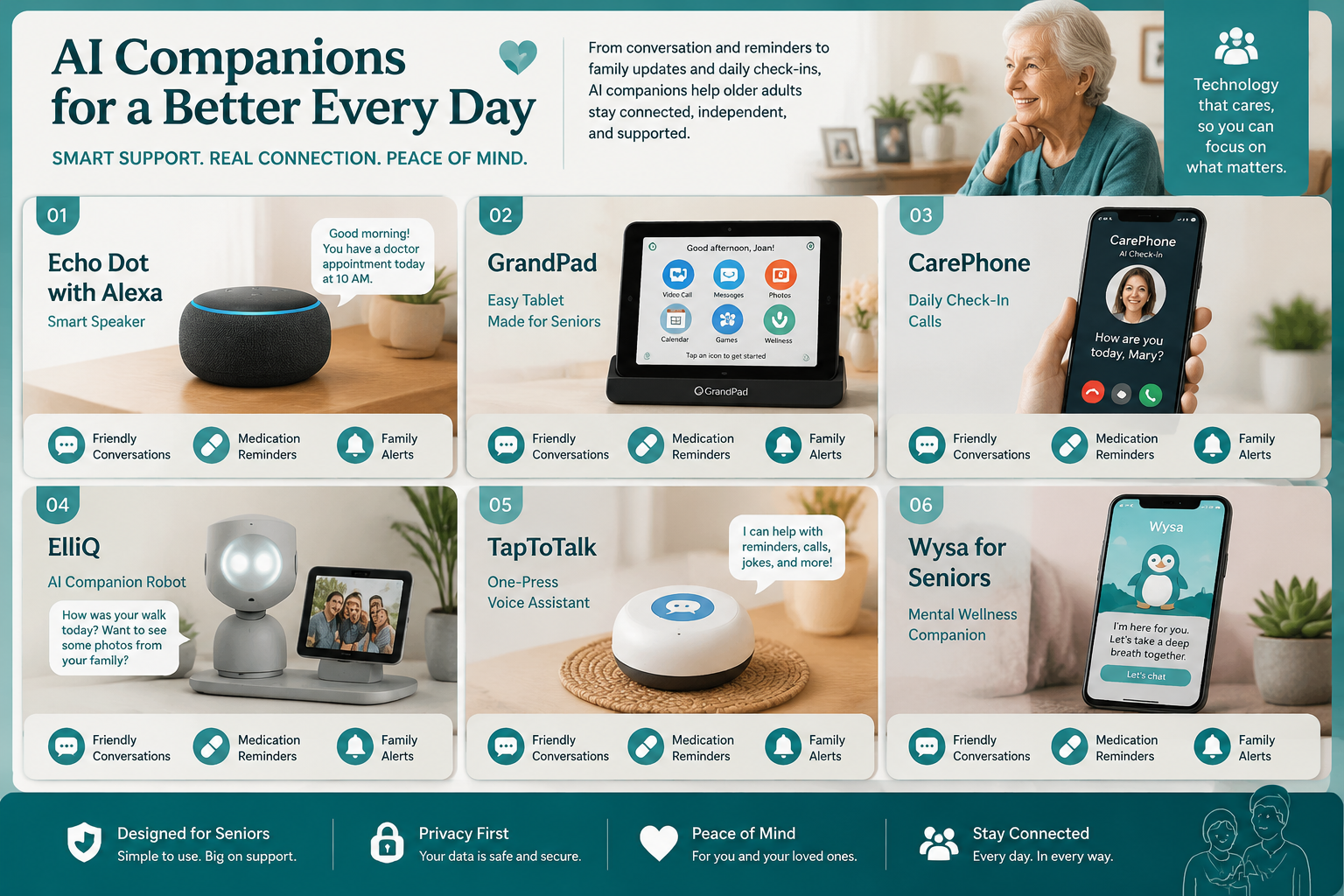
Let’s be clear about what these tools are and aren’t. They are not replacements for human connection. They don’t replace doctors, caregivers, or family. What they do is fill the hours in between — and that matters more than most people expect.
The Core Features to Look For
Daily check-in calls or conversations Several services call seniors proactively — the AI reaches out rather than waiting to be asked. ElderVoice, for example, calls seniors daily to check in, engage in conversation, and send medication reminders, with updates going to family members [1]. Caria, launching in North Carolina in 2026, offers warm daily calls specifically designed to fight isolation [3]. Safe4Seniors’ Sunny captures mood, pain levels, sleep quality, and medication adherence during daily phone check-ins, then alerts caregivers if something seems off [see safe4seniors.ai].
Medication and appointment reminders This is the most practical feature for seniors living alone. Missing medications is one of the leading causes of hospitalization for older adults. A voice reminder that actually waits for a response — and flags a non-response to a family member — is worth a lot.
Mood and cognitive monitoring Qluve, deployed in Finnish care homes, goes further — it detects mood changes through conversation patterns and keeps caregivers informed around the clock [2]. This kind of passive monitoring is genuinely useful for families worried about early cognitive decline.
Family connection and summaries Luma, from 1o1.ai, provides consent-based summaries to family caregivers after daily conversations [5]. That word “consent” matters — the senior controls what gets shared. Sam (withsam.com) sends real-time alerts to families when something in a check-in raises a flag [8].
No-screen, no-typing design Ato is specifically built to be screen-free — seniors interact entirely through voice [4]. Over 60% of Ato users made it a daily habit within four weeks. That adoption rate is unusually high for any tech product aimed at older adults, and it speaks to how much easier voice-first design is for this age group.
A Quick Look at the Main Players in 2026
| Tool | Format | Key Feature | Best For |
|---|---|---|---|
| ElderVoice | Phone calls | Daily AI check-ins + family updates | Seniors living alone |
| Qluve | Robot device | Mood detection + care home use | Assisted living facilities |
| Caria | Phone calls | Warm daily conversations | Combating isolation |
| Ato | Voice device | Screen-free, habit-forming | Tech-averse seniors |
| Luma (1o1.ai) | Voice app | Consent-based family summaries | Families monitoring remotely |
| Gus (Rememberly) | Simple tablet | Voice-enabled, no tech skills needed | Seniors new to technology |
| EverFriends | Video companion | 24/7 conversation + dementia support | Memory care |
| Sam | Voice app | Cognitive monitoring + family alerts | Safety-focused families |
| Dearly | Voice app | Personalized with cloned loved-one voice | Comfort and familiarity |
| inTouch | Phone calls | Daily calls + story preservation | Legacy and connection |
How to Choose the Right AI Companion — Honest Advice, No Hype
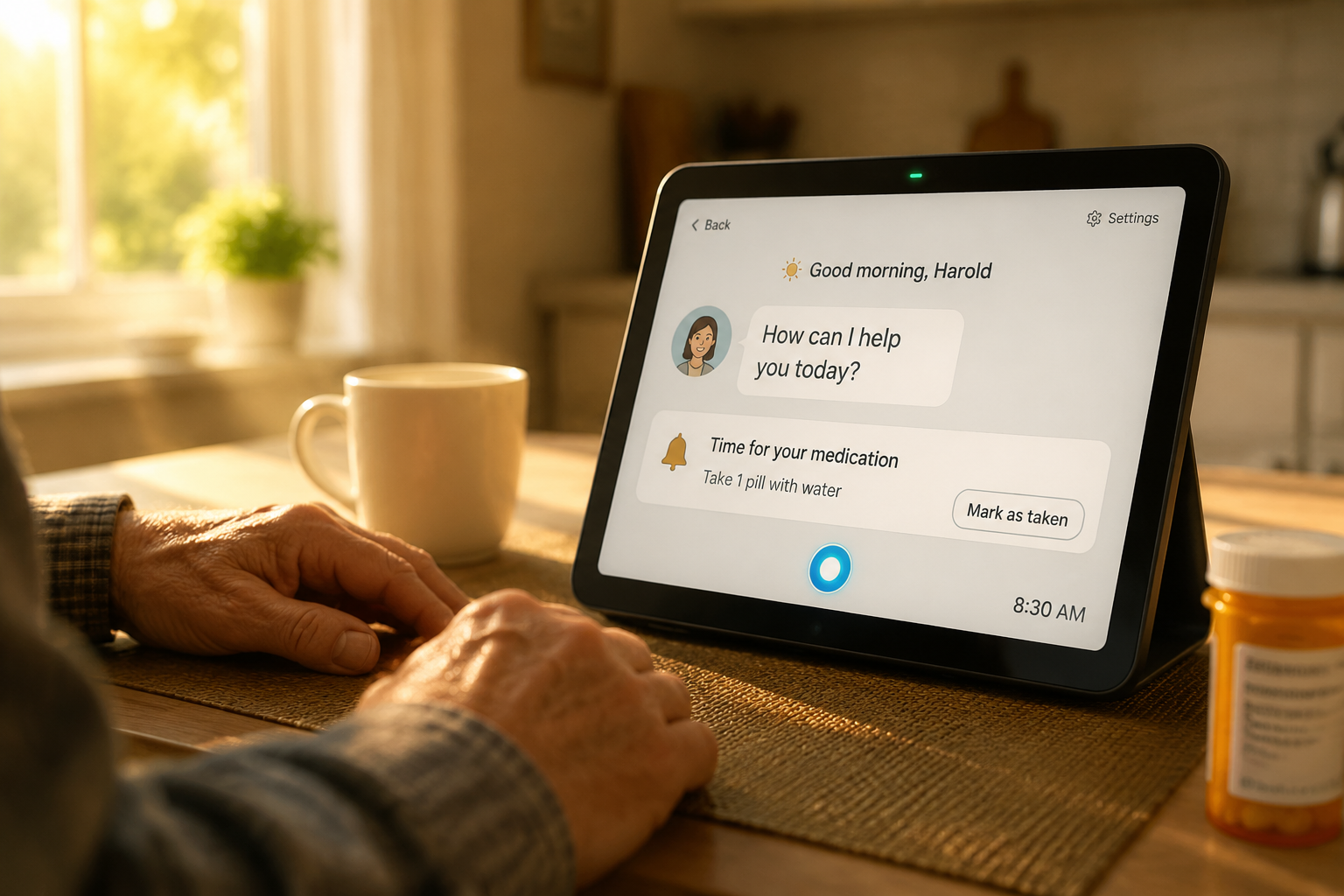
Not every tool on that list is right for every person. Here’s how to think about it in plain English.
Start With the Real Problem
Ask yourself: what’s actually missing?
- Is it safety? Go with something that has family alert features — Sam or ElderVoice.
- Is it medication management? Any of the check-in services handle this, but Sunny from Safe4Seniors tracks adherence specifically.
- Is it pure loneliness? Caria and inTouch focus on warm, engaging conversation rather than monitoring.
- Is tech the barrier? Ato’s screen-free design or Gus on a simple tablet [6] are the easiest entry points for someone who has never used a smartphone.
What to Watch Out For 🚩
Privacy is the real issue here. These devices listen. That’s how they work. Before signing up for any service, find out:
- Are conversations recorded and stored?
- Who has access to those recordings?
- Is the data sold to third parties?
- Can the senior opt out of specific data sharing?
If a company won’t answer these questions directly on their website, that’s a red flag.
Cloned voices need careful consideration. Dearly offers the option to personalize an AI companion using a cloned version of a loved one’s voice [9]. For some seniors, especially those with dementia, this could be comforting. For others, it could be confusing or even distressing. Think carefully before using this feature.
Subscription costs add up. Most of these services run on monthly subscriptions. Get the full price before committing — including whether there’s a device cost on top of the monthly fee.
These tools are not emergency response systems. If your parent needs a fall detection device or a medical alert button, that’s a separate product. AI companions are for daily connection and reminders — not crisis response.
The Honest Downside
Pull quote: “No AI companion replaces a phone call from someone who actually loves you. The best these tools do is fill the space between those calls — and that space is often very long.”
These tools work best as a supplement, not a solution. If a senior’s social isolation is severe, or if there are signs of significant cognitive decline, an AI companion is not a substitute for professional care or increased family involvement. Use it to extend support, not replace it.
Getting Started: A Practical Step-by-Step Plan
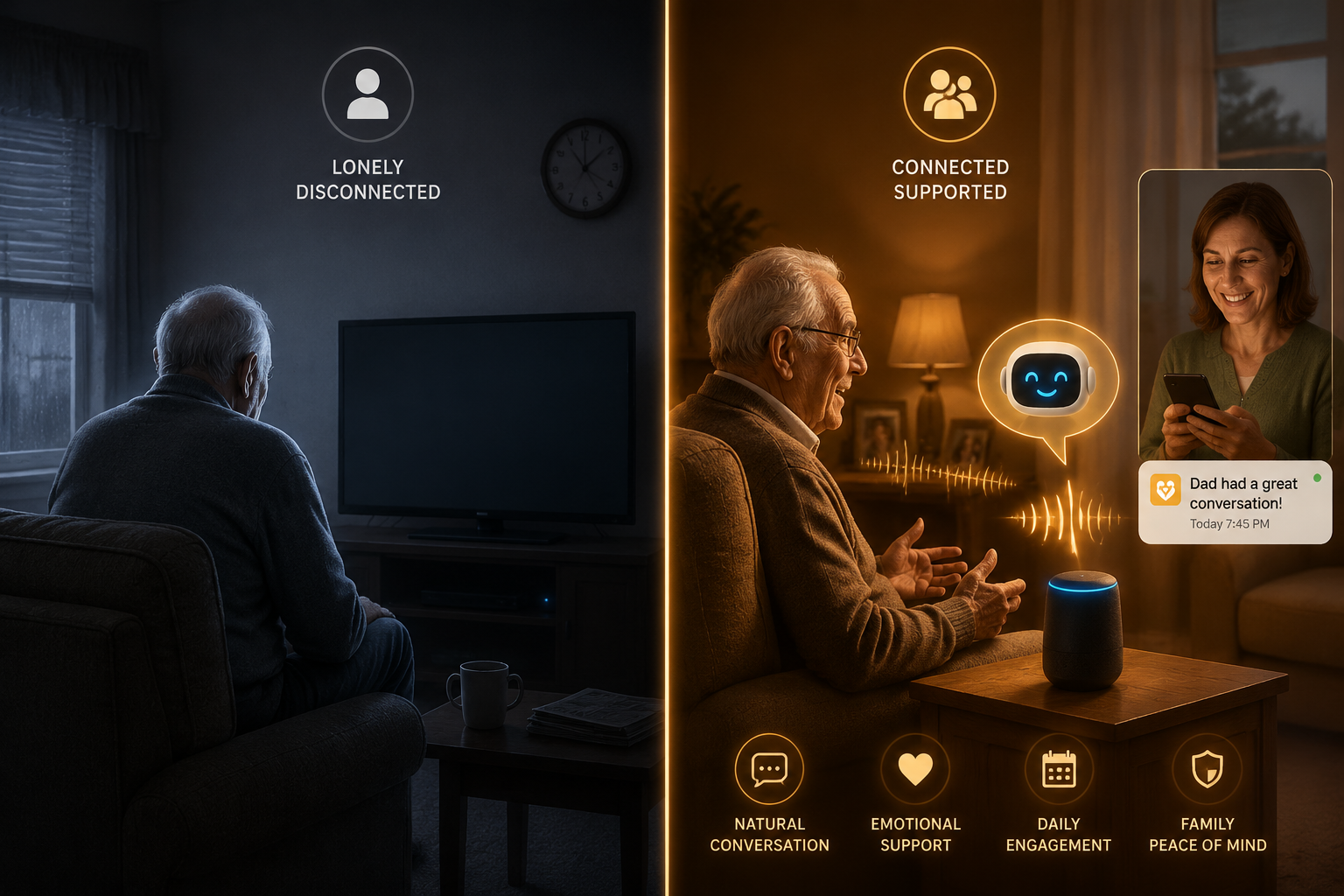
Here’s how to approach this without wasting money or frustrating your parent.
Step 1: Have an honest conversation first. Don’t surprise someone with a new device. Ask if they’d be open to trying something that calls them each morning to check in. Frame it as something that helps you worry less — most older parents respond better to that framing than being told they need help.
Step 2: Start with a phone-call-based service. Tools like ElderVoice [1], Caria [3], or inTouch [10] require zero new hardware. The AI calls their existing phone number. That’s the lowest barrier to entry.
Step 3: Give it four weeks. Ato’s data showing 60%+ habit formation at four weeks [4] is consistent with what behavioral research says about forming new routines. Don’t judge a tool in the first week.
Step 4: Check in on what they think. Ask the senior — not just the family caregiver dashboard — whether they find it helpful or annoying. Their opinion is the one that matters most.
Step 5: Layer in features gradually. Once someone is comfortable with daily check-in calls, adding medication reminders or family summaries is a natural next step. Don’t try to implement everything at once.
Conclusion: The Bottom Line
AI companions and voice-first assistants to reduce loneliness and help seniors manage daily tasks are not science fiction anymore. They’re practical, they’re affordable, and in 2026, several of them are genuinely well-designed for adults who didn’t grow up with smartphones.
The best ones — ElderVoice, Ato, Caria, Sam, and a handful of others — do something simple and valuable: they show up every day, ask how someone is doing, and make sure a family member hears about it if something seems wrong.
That’s not magic. But for a senior living alone, it can make a real difference.
Actionable next steps:
- ✅ Identify the primary need: safety monitoring, medication reminders, or companionship
- ✅ Start with a phone-call-based service that requires no new hardware
- ✅ Read the privacy policy before signing up — specifically around recorded conversations
- ✅ Give it a full month before deciding if it’s working
- ✅ Ask the senior what they think — not just what the app dashboard says
No hype. No pressure. Just a tool worth knowing about.
References
[1] ElderVoice – https://www.eldervoice.com/?utm_source=openai [2] Qluve – https://www.qluve.com/?utm_source=openai [3] Caria Health – https://caria.health/?utm_source=openai [4] Ato (HeyAto) – https://www.heyato.ai/?utm_source=openai [5] 1o1.ai (Luma) – https://1o1.ai/?utm_source=openai [6] Rememberly (Gus) – https://www.remember.ly/?utm_source=openai [7] EverFriends – https://everfriends.ai/?utm_source=openai [8] Sam (WithSam) – https://www.withsam.com/?utm_source=openai [9] Dearly (HeyDearly) – https://www.heydearly.com/?utm_source=openai [10] inTouch Family – https://intouch.family/en?utm_source=openai