Published June 5, 2026
Americans over 60 lost more than $3.4 billion to online fraud in a single year — and that figure only counts the cases that were reported. The real number is almost certainly higher, because most victims never tell anyone.
Scam tactics have changed dramatically. Today’s fraudsters use AI-generated voices, deepfake video calls, and hyper-personalized phishing emails that look exactly like messages from your bank, your doctor, or your grandchild. The old advice — “just don’t click suspicious links” — no longer cuts it.
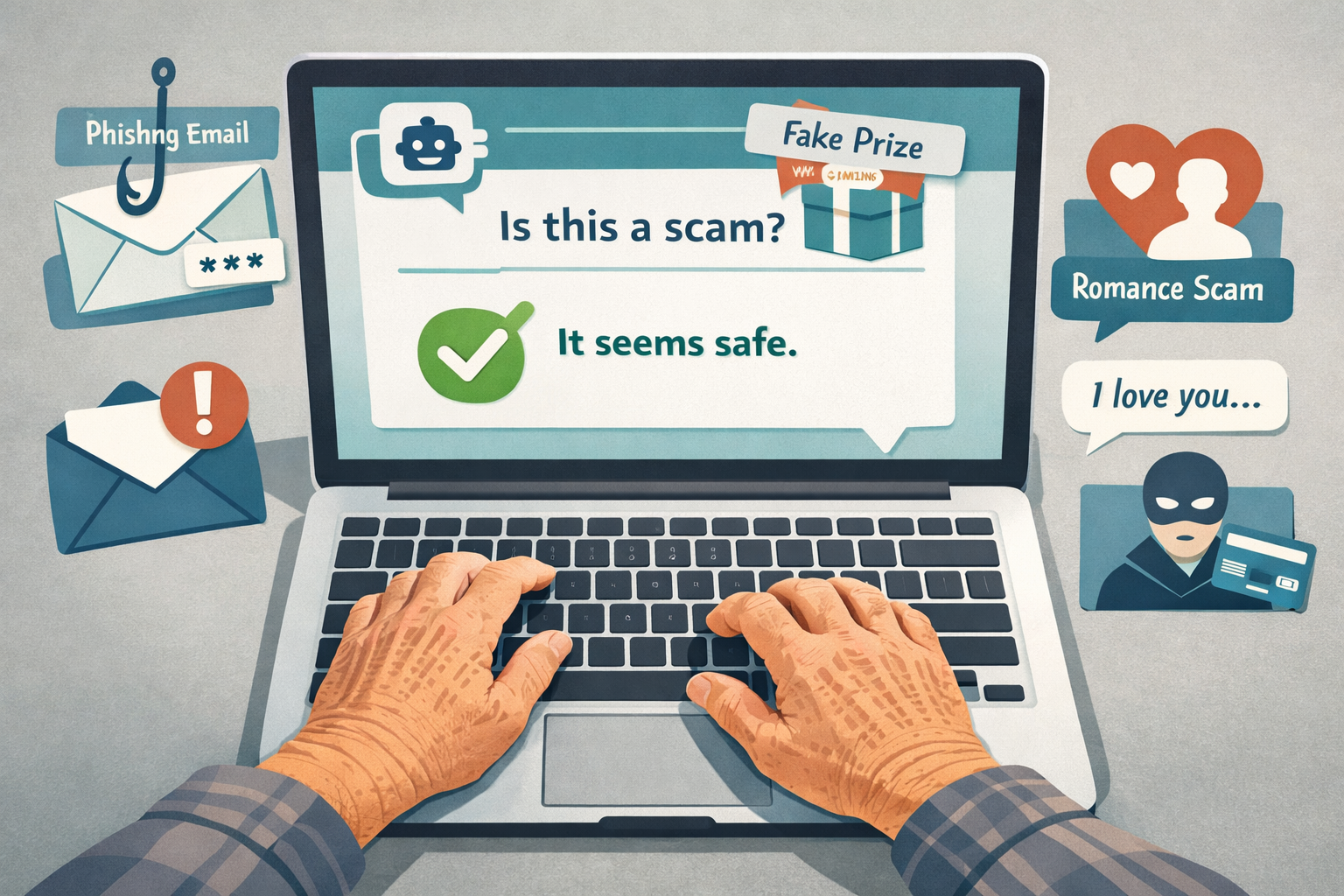
That’s why a new category of tools and training programs built around the question “Is this a scam?” has emerged. These are AI tools and training specifically designed to protect seniors from online fraud, and they work differently from anything that came before. Instead of waiting for you to make a mistake, they help you check before you act.
This article covers what these tools actually do, which ones are worth your time, what to watch out for, and how to get started without needing a computer science degree.
Key Takeaways
- 🛡️ AI scam-checking tools let you paste a suspicious message, link, or phone number and get an instant risk assessment in plain English.
- 🎓 Scam-awareness training programs built for older adults now use AI simulations to practice spotting fraud in a safe environment.
- ⚠️ No tool is perfect — AI checkers can miss new scam types, and training only works if you actually use what you learn.
- 📱 The best tools are simple — designed for people who are not tech experts and don’t want to be.
- ✅ The bottom line: A combination of one good AI checking tool plus one structured training course gives you the strongest protection available in 2026.
Why “Just Be Careful” Is No Longer Enough
Scammers are not the clumsy criminals they used to be. They now use AI to:
- Clone the voice of a family member in under 30 seconds
- Generate fake invoices that match your real bank’s branding exactly
- Send texts that reference your actual name, city, and recent purchases
- Create fake customer service portals that are nearly pixel-perfect copies of real ones
Traditional advice — look for spelling errors, don’t trust strangers, never wire money — was written for a different era. Today’s scams are polished, fast, and psychologically sophisticated.
The hard truth: Even smart, experienced adults get fooled. This is not about intelligence. It’s about having the right tools.
The question “Is this a scam?” used to have no reliable answer unless you already knew what to look for. Now, AI tools and training specifically designed to protect seniors from online fraud are changing that equation.
What AI Scam-Checking Tools Actually Do
Think of an AI scam checker as a second opinion you can get in about 10 seconds.
You copy and paste a suspicious email, text message, or link into the tool. The AI analyzes it and tells you, in plain English, whether it looks dangerous — and why.
Here’s what good tools check for:
| What It Analyzes | What It’s Looking For |
|---|---|
| Email sender address | Spoofed domains, lookalike addresses |
| Link destination | Known phishing sites, suspicious redirects |
| Message language | Urgency tactics, emotional manipulation |
| Phone numbers | Known scam numbers in fraud databases |
| Attachments | Malware signatures, suspicious file types |
Tools Worth Knowing About in 2026
1. Trend Micro Scam Check Available as a browser extension and mobile app. You paste a link or message and it returns a risk score with a plain-English explanation. Works well for phishing emails and fake shopping sites. Free version available.
Honest downside: It occasionally flags legitimate promotional emails as suspicious. You’ll want to use judgment alongside it, not instead of it.
2. Norton Genie Designed specifically with older adults in mind. You take a screenshot of a suspicious message and the AI analyzes it. The interface is large, clear, and walks you through the result step by step.
Honest downside: It’s part of Norton’s subscription ecosystem. The free version has daily limits on checks.
3. Truecaller (for phone scams) Identifies known scam callers before you pick up. Crowdsourced database of reported numbers combined with AI pattern detection. Particularly useful for the Medicare and Social Security impersonation calls that target older adults constantly.
Honest downside: It requires access to your contacts and call log, which some people are understandably uncomfortable with.
4. ChatGPT and similar general AI assistants You can paste a suspicious message directly into ChatGPT and ask “Is this a scam?” It won’t access live fraud databases, but it’s surprisingly good at spotting manipulation tactics, fake urgency language, and impersonation patterns.
Honest downside: It’s a general tool, not a dedicated fraud detector. It won’t check whether a specific link is on a known phishing list.
‘Is This a Scam?’ AI Tools and Training Specifically Designed to Protect Seniors from Online Fraud — The Training Side
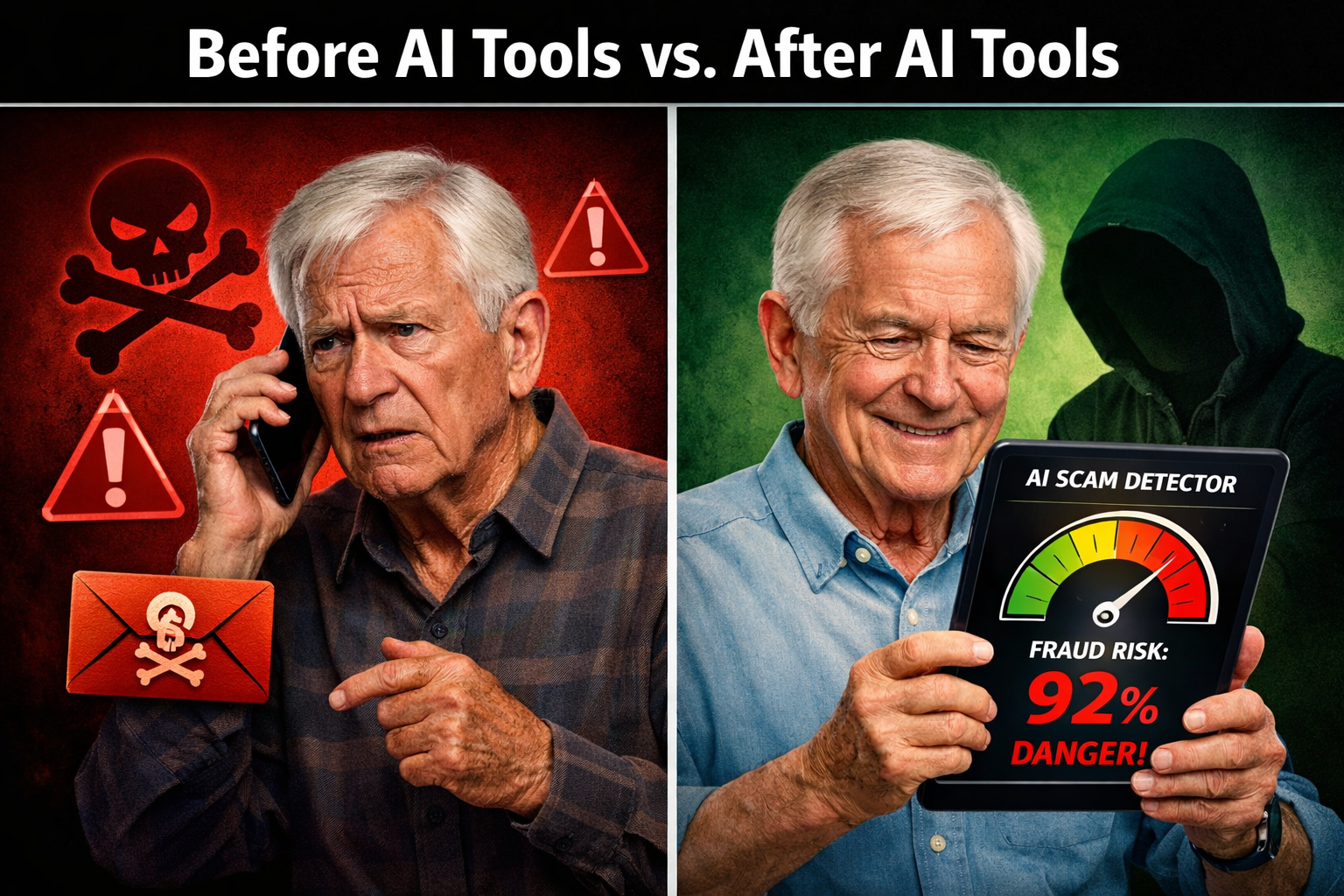
Tools help in the moment. Training helps you think better over time.
The best scam-awareness programs for older adults now combine two things: real-world examples of current scam tactics, and interactive simulations where you practice spotting fraud before it costs you anything.
What Good Training Programs Cover
AARP Fraud Watch Network Free, well-organized, and updated regularly. Includes a fraud helpline (877-908-3360), online workshops, and a Scam-Tracking Map that shows what’s hitting your area right now. Their simulation exercises walk you through realistic fake emails and ask you to identify the red flags.
What to watch out for: The depth varies. Some modules are genuinely useful; others feel like basic awareness content you’ve seen before.
Cybercrime Support Network — “Fraud.org” Focused on reporting and recovery, but also includes educational content. Good if you’ve already been targeted and want to understand what happened.
NCOA (National Council on Aging) — BenefitsCheckUp and Scam Resources Strong on financial scams targeting retirement income, Medicare fraud, and benefits theft. Practical and no-nonsense.
Senior Planet (from AARP) Offers free live online classes specifically for adults 60+. Some courses cover scam recognition using AI tools. The instructors are patient and the format is designed for people who are not tech experts.
What to Look for in Any Training Program
Before signing up for anything, ask these four questions:
- Is it free or low-cost? Legitimate programs don’t charge seniors for fraud protection education.
- Is it updated regularly? Scam tactics change fast. A course from 2022 may not cover AI voice cloning or deepfake video calls.
- Does it use real examples? Simulations beat lectures. You learn more by doing than by reading.
- Is there a human you can call? The best programs include a helpline or live support option.
How to Use These Tools Together — A Simple System
You don’t need to use every tool on this list. You need a simple, repeatable habit.
Here’s a three-step system that works:
Step 1 — Pause before you act. Before clicking a link, sending money, sharing a password, or calling a number back, stop for 60 seconds.
Step 2 — Run a quick check. Copy the message, link, or phone number into your AI checking tool of choice. Read the result. If it flags anything, stop.
Step 3 — When in doubt, verify independently. Don’t call the number in the suspicious message. Look up the organization’s official number yourself and call that instead.
Plain English rule: If someone is pressuring you to act right now, that pressure itself is a red flag. Legitimate organizations don’t threaten you with immediate consequences for taking 10 minutes to verify.
‘Is This a Scam?’ AI Tools and Training Specifically Designed to Protect Seniors — What to Watch Out For

Here’s where honest reviewing matters most.
AI tools have real limits. They work from known fraud databases and pattern recognition. A brand-new scam type — one that was invented last week — may not be in any database yet. No tool catches everything.
Training programs vary wildly in quality. Some are genuinely excellent. Others are thin content dressed up in official-looking branding. Check who sponsors the program and whether it’s been updated in the last 12 months.
Scammers now impersonate fraud protection services. This is not a joke. There are fake “scam protection” calls and emails that try to get your banking information under the guise of protecting you. If someone contacts you unsolicited and offers to protect you from scams, treat that contact itself as a potential scam.
Over-reliance is a risk. The goal of these tools is to support your judgment, not replace it. If a tool says something looks clean but your gut says something is off, trust your gut and verify independently.
The Bottom Line
The combination of a good AI scam-checking tool and structured training built for older adults is the strongest protection available right now. Neither one alone is enough.
Pick one tool — Norton Genie or Trend Micro Scam Check are solid starting points — and make it a habit to use it before acting on anything suspicious. Pair that with AARP’s Fraud Watch Network training, which is free and consistently updated.
You don’t need to become a cybersecurity expert. You need a simple system you’ll actually use, and the confidence to pause and check before you act.
That’s what “Is this a scam?” AI tools and training specifically designed to protect seniors from online fraud are built to give you.
Conclusion — Actionable Next Steps
Start small. Here’s what to do this week:
Download one tool. Try Norton Genie (free version) or install the Trend Micro Scam Check browser extension. Spend 10 minutes testing it with an old suspicious email you already know was a scam.
Register for one free training session. Go to SeniorPlanet.org or AARP’s Fraud Watch Network and sign up for a live online class. Most run under an hour.
Share the “pause and check” habit with one person you know — a spouse, sibling, or friend — who might benefit from it.
Save a fraud helpline number. AARP’s Fraud Watch Helpline: 877-908-3360. Keep it somewhere easy to find.
Scams are getting smarter. The good news is that the tools built to fight them are getting smarter too — and they’re finally being built with you in mind.