Published June 11, 2026
Nearly 28% of adults over 60 in the U.S. live alone — and loneliness carries real health risks, comparable to smoking 15 cigarettes a day according to public health researchers. That’s not a small problem. It’s a daily reality for millions of people.
Smart speakers have been sitting on kitchen counters for years. Most people use them to check the weather or play music. But in 2026, AI companions on smart speakers — using Alexa and Google Home as friendly helpers after 60 — have moved well beyond novelty. These devices can now tell stories, remind you about medications, check in on you daily, and connect you to family with a single voice command.
No app to download. No screen to squint at. Just your voice.
This article explains what these tools actually do, which ones work best for older adults, and what to watch out for before you plug anything in.
Key Takeaways
- 🎙️ Voice-first setup means most smart speaker companions require little to no tech skill to start using.
- 💊 Medication reminders, daily check-ins, and family alerts are among the most practical features for adults 60+.
- 🔒 Privacy is a real concern — these devices are always listening, and you need to know what that means.
- 👨👩👧 Specialized AI companions (beyond basic Alexa and Google Home) offer deeper support, including cognitive monitoring and caregiver summaries.
- ✅ The best setup is the simplest one — start with one device, one skill, and build from there.
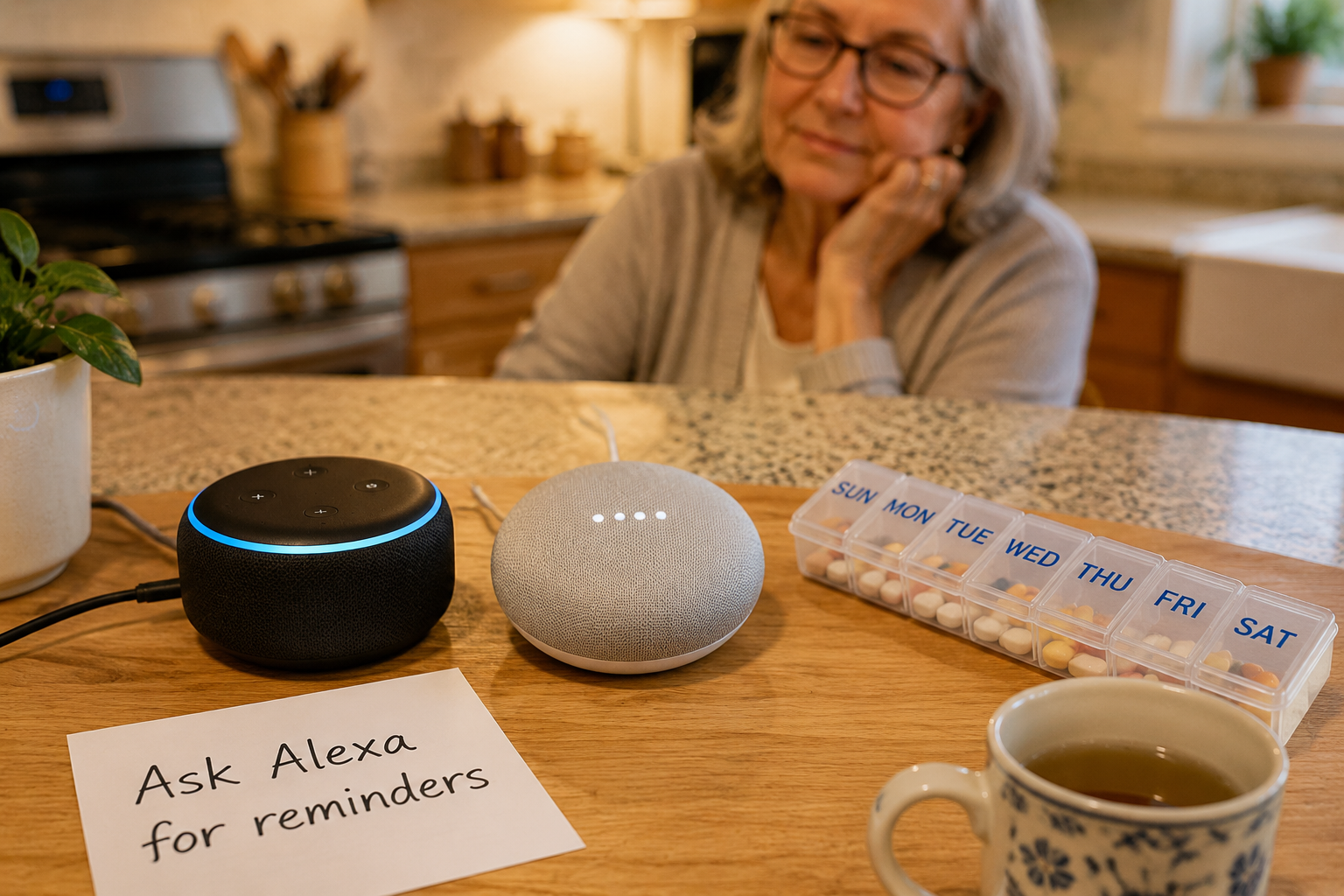
What Smart Speakers Actually Do for Older Adults
Let’s be plain about this. A standard Amazon Echo or Google Nest is not a medical device. It won’t call 911 on its own. It won’t notice if you haven’t moved in six hours.
What it will do — reliably and without complaint — is answer questions, set reminders, play music, make phone calls, and respond to simple voice commands around the clock.
A 2021 study found that older adults benefit from smart speakers as both assistive and social technologies, and that communal learning environments help seniors adopt them more successfully [10]. In plain English: these tools work better when someone helps you get started, even just once.
Here’s what a basic Echo or Google Nest handles well:
| Feature | Amazon Echo (Alexa) | Google Nest (Google Home) |
|---|---|---|
| Voice calls to family | ✅ Yes | ✅ Yes |
| Medication reminders | ✅ Yes | ✅ Yes |
| Music and audiobooks | ✅ Yes | ✅ Yes |
| Smart home control | ✅ Strong | ✅ Strong |
| Answering health questions | ⚠️ Basic | ⚠️ Basic |
| Proactive check-ins | ❌ Limited | ❌ Limited |
The gap shows up in that last row. Standard smart speakers are reactive — they wait for you to speak first. If you want a device that checks in on you, you need either a specialized skill added to Alexa or a purpose-built companion device.
The Alexa+ Upgrade Worth Knowing About
The Amazon Echo Dot Max, released in 2026, supports Alexa+ — a subscription-based version with significantly improved natural language processing [8]. That means more natural back-and-forth conversation, fewer “I didn’t understand that” responses, and better smart home integration.
For adults who found earlier Alexa frustrating, Alexa+ is a meaningful improvement. It’s not free, but the subscription cost is modest.
How AI Companions on Smart Speakers Work as Friendly Helpers After 60
This is where things get genuinely useful — and where the market has expanded fast.
Several companies have built AI companions specifically for older adults. Some run on top of Alexa. Others are standalone devices. All of them are designed with one goal: low friction for the person using them.
SmartCompanion: Built on Alexa
SmartCompanion uses Alexa’s core intelligence but layers on customizable safety alerts and daily activity reminders [7]. It’s designed specifically for seniors living alone. You get the familiar Alexa experience plus features tuned for independence — without learning a new system.
Best for: Someone already comfortable with Alexa who wants more structure.
Ato: Screen-Free and Conversation-Focused
Ato is a screen-free device built around natural conversation, medication reminders, and daily check-ins [1]. The numbers behind it are worth noting: 60% of users developed a daily habit within four weeks, and 75% reported feeling less lonely after just two weeks [1].
That’s not marketing language. That’s a measurable outcome.
Best for: Someone who wants companionship and routine without any screen interaction.
Luma by 1o1.ai: Calls You on a Regular Phone
Luma takes a different approach entirely. It calls users via regular phone lines — no new device required [3]. It supports daily conversations and reminders, and with user consent, provides family caregivers with summaries of how their loved one is doing [3].
“No new device required” is a bigger deal than it sounds. For someone who finds new gadgets stressful, Luma removes that barrier entirely.
Best for: Someone resistant to new devices who already answers their phone.
Sam: Safety-Focused with Family Alerts
Sam is a voice-first companion built around safety: daily check-ins, cognitive monitoring, and real-time alerts to family members [4]. If something seems off — a missed check-in, an unusual response pattern — the system flags it.
Best for: Families worried about a parent living alone who want a safety net without installing cameras.
Gus by Rememberly: Simple Tablet Companion
Gus runs on a simple tablet and requires no technical skills to set up [2]. It engages users in conversation, provides reminders, and offers companionship. The tablet format means slightly larger text and a visual element if that’s helpful.
Best for: Someone who likes the idea of a “face” to talk to, even a simple one.
ElliQ: The Most Full-Featured Option
ElliQ is a companion robot — a physical device with a screen, voice, and personality. It handles medication reminders, health tracking, exercise suggestions, photo sharing, and community activities [6]. It’s the most capable option on this list and also the most expensive.
Honest downside: The price point puts ElliQ out of reach for many people on fixed incomes. It’s worth knowing it exists, but it’s not the right starting point for most.
Connecting to Family: The Feature Most People Underuse
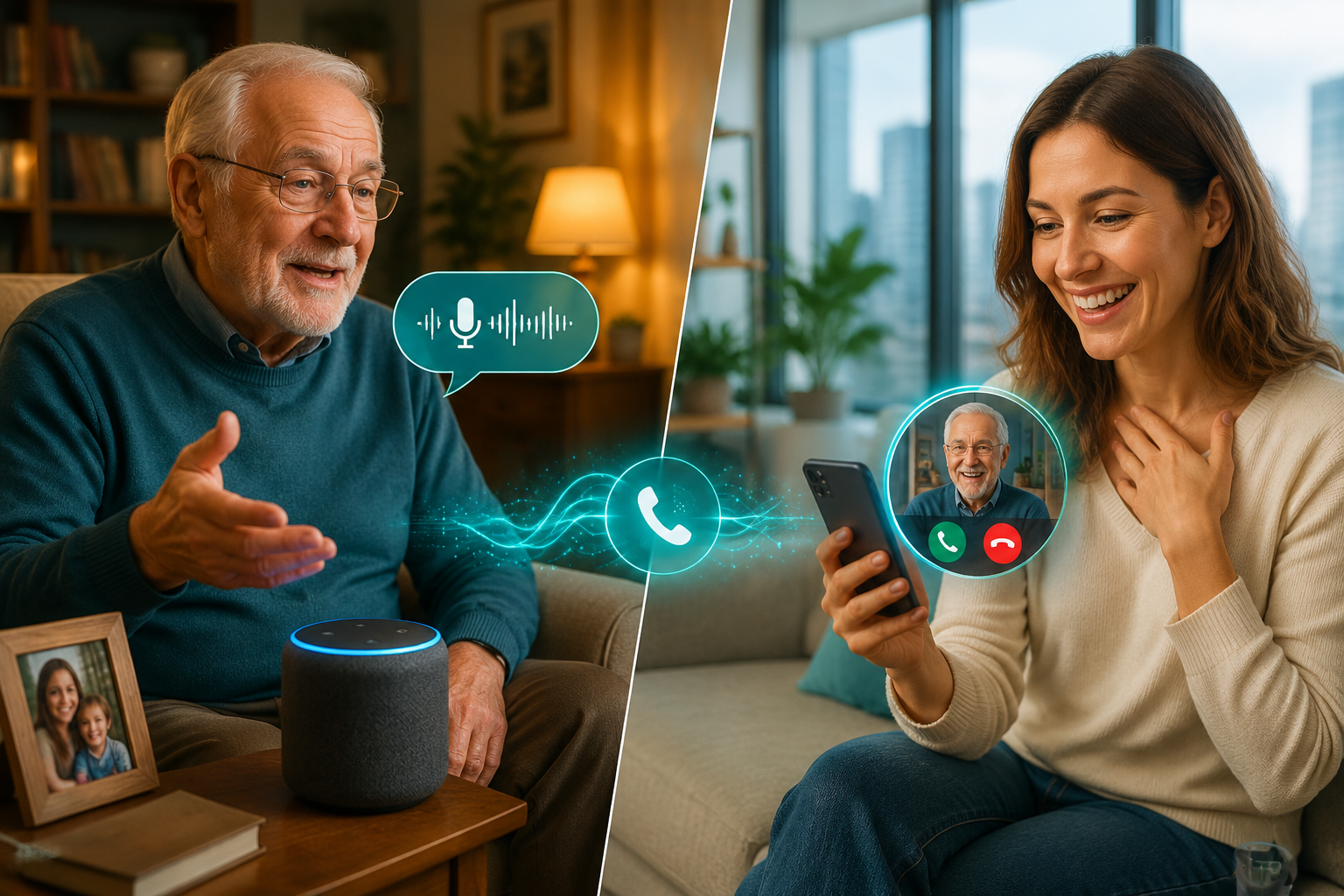
Here’s something most people don’t realize: Alexa and Google Home can already make free voice and video calls to family members. No phone needed. No dialing. Just say the name.
“Alexa, call my daughter.”
That’s it.
For families spread across different states, this matters. A daily check-in call becomes effortless. A grandchild can call in without anyone needing to find their phone.
The specialized companions take this further. Luma provides consent-based summaries to family caregivers [3], so adult children get a gentle picture of how a parent is doing without being intrusive. Sam sends real-time alerts if a check-in is missed [4].
This is the feature that matters most to families — not the music, not the weather. The ability to stay connected without making it complicated.
What to Watch Out For: Privacy and the Always-Listening Problem
This section matters. Don’t skip it.
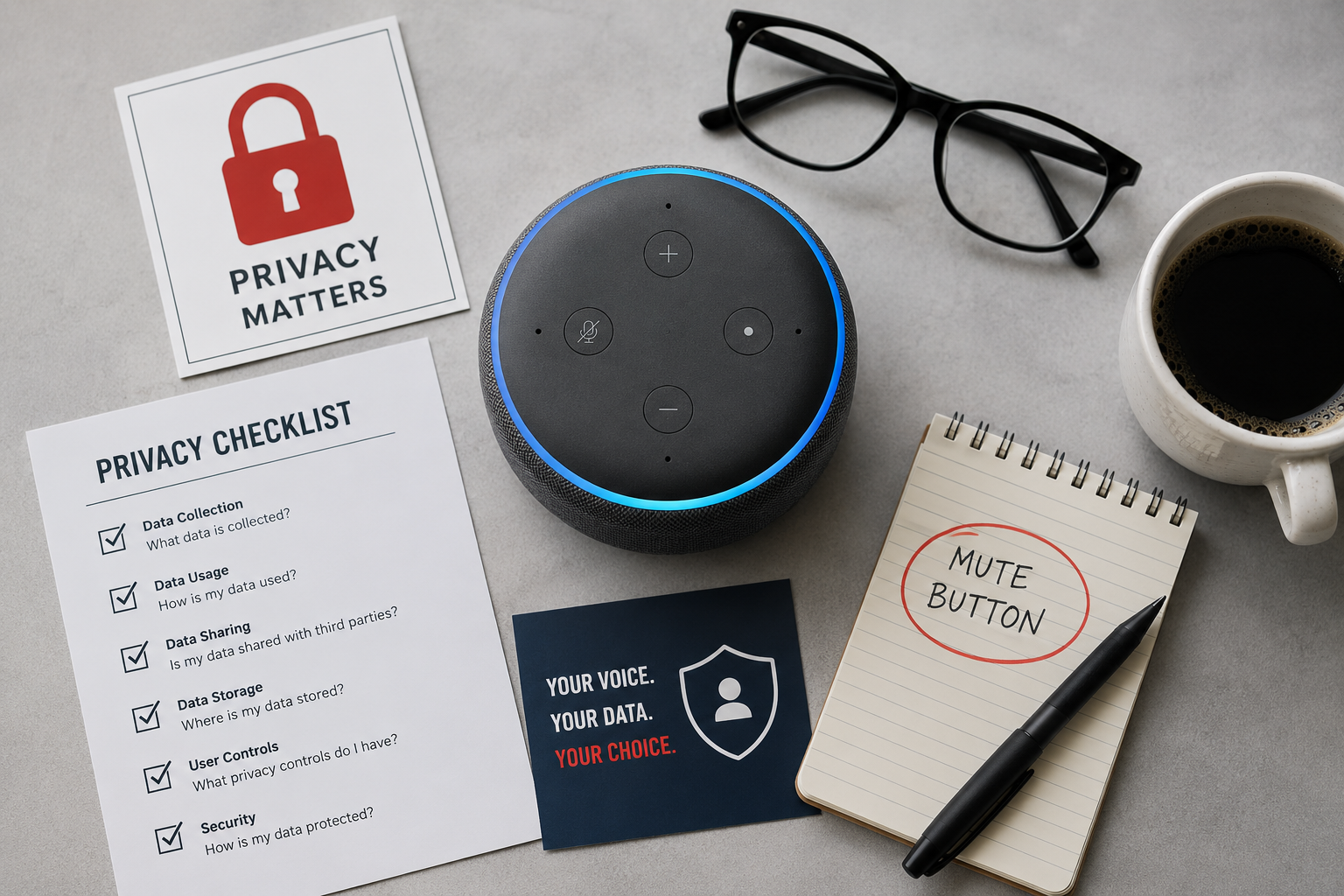
Smart speakers are always listening for their wake word. That’s how they work. A 2026 study on AI smart devices found that while these devices offer real convenience, they raise genuine privacy concerns due to their always-listening design and complex data management processes [9].
The study recommended two things: more transparency from manufacturers and better privacy guidance during initial setup [9]. Neither of those things happens automatically. You have to ask.
Practical steps to protect your privacy:
- 📵 Use the physical mute button when you don’t want the device listening — both Echo and Nest have one.
- 🗑️ Delete your voice history regularly — both Amazon and Google let you do this in their apps.
- 📋 Read the privacy policy of any third-party companion service before signing up.
- 👨👩👧 Discuss consent with family members before enabling any service that shares your data with them.
The AHelper Buddy and Mini devices take a different approach — screen-free companions designed for simplicity, with a focus on keeping interactions contained [5]. For those most concerned about data, simpler devices with clearer data policies may feel more comfortable.
Bottom line on privacy: These devices are not perfectly private. That’s honest. But the risks are manageable if you take a few basic steps.
How to Get Started Without Getting Overwhelmed
The biggest mistake people make is trying to set up too much at once.
Start here:
- Pick one device. An Amazon Echo Dot (4th gen or newer) or a Google Nest Mini is fine. Both cost under $50 on sale.
- Set up one reminder. A medication reminder or a morning check-in. Just one.
- Make one call. Call a family member using just your voice. Prove to yourself it works.
- Add one more thing only after the first three feel natural.
If you want more than a basic smart speaker offers, the services listed above — Ato, Luma, Sam, Gus — each have straightforward sign-up processes. Most offer free trials. None require technical expertise to start.
Tested and approved approach: Don’t buy the most expensive option first. Start with what you already have or what costs the least. Add complexity only if you need it.
Conclusion: The Bottom Line on AI Companions After 60
AI companions on smart speakers — using Alexa and Google Home as friendly helpers after 60 — are genuinely useful tools in 2026. Not magic. Not perfect. But useful.
If you live alone, a daily check-in reminder and easy family calls are worth the $50 it costs to get started. If you have a parent living alone, a service like Sam or Luma can give real peace of mind without turning their home into a surveillance system.
The honest summary:
- Best starting point: Amazon Echo Dot with Alexa+ or Google Nest Mini
- Best for companionship and habit-building: Ato
- Best for families who want updates: Luma or Sam
- Best for those who hate new devices: Luma (calls your existing phone)
- Most full-featured: ElliQ (if budget allows)
Set up the mute button. Delete your voice history monthly. Start simple.
These tools won’t replace human connection. But they can make the hours between conversations a little less quiet — and that’s not nothing.
References
[1] heyato.ai – https://www.heyato.ai/?utm_source=openai [2] remember.ly – https://remember.ly/?utm_source=openai [3] 1o1.ai – https://1o1.ai/?utm_source=openai [4] withsam – https://www.withsam.com/?utm_source=openai [5] ahelper.ai – https://ahelper.ai/?utm_source=openai [6] elliq – https://elliq.com/?utm_source=openai [7] About – https://smartcompanion.care/about/?utm_source=openai [8] Best Smart Speakers%2creview 4480 – https://www.tomsguide.com/us/best-smart-speakers%2Creview-4480.html?utm_source=openai [9] arxiv – https://arxiv.org/abs/2601.04403?utm_source=openai [10] arxiv – https://arxiv.org/abs/2111.01210?utm_source=openai