Last updated June 3, 2026
Nearly 38 million American adults report some degree of hearing loss — yet fewer than one in three who could benefit from hearing aids actually uses them. [5] Cost is the biggest barrier. Traditional hearing aids can run $3,000 to $7,000 a pair. But here’s what most people don’t know: the smartphone already in your pocket may be able to help right now, for free or close to it.
This article explains exactly how AI hearing aid apps can turn your smartphone into a personal listening assistant — cutting through restaurant noise, sharpening phone calls, and even helping you follow the TV without cranking the volume. No hearing aids required to get started.
Key Takeaways
- 📱 Free and low-cost AI apps can improve your hearing in noisy places without buying hearing aids first.
- 🤖 AI noise-reduction technology — the same kind used in professional hearing aids — is now available on standard smartphones.
- 🍽️ Restaurants, phone calls, and TV are the three situations where these apps make the biggest difference.
- 🔗 If you already own hearing aids, companion apps from brands like Starkey, Widex, and Signia add powerful remote control and personalization features.
- ⚠️ These apps are not a medical substitute for a proper hearing evaluation — but they’re a smart, low-risk starting point.
What’s Actually Happening Inside These Apps
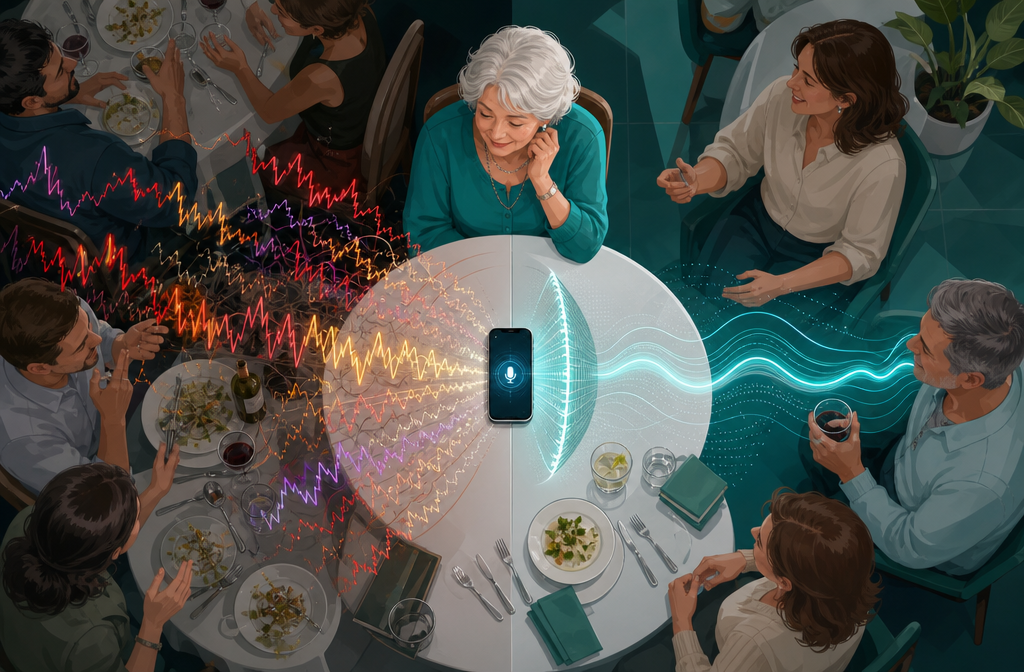
Plain English version: your smartphone’s microphone picks up sound. The AI inside the app analyzes that sound in real time, strips out background noise, and delivers a cleaner audio signal to your earbuds or hearing aids.
That’s not marketing language. A peer-reviewed study published in 2023 tested a deep learning-based denoising system running entirely on a smartphone. The result was a 40% improvement in subjective audio ratings and a measurable 1.6 dB improvement in speech reception thresholds for hearing aid users in noisy environments. [5] That’s a real, documented difference — not a sales claim.
The technology works because modern smartphones have enough processing power to run neural networks that were, just a few years ago, only possible in expensive clinical equipment. The AI has been trained on thousands of hours of speech and noise combinations, so it knows the difference between a voice you want to hear and a noisy HVAC system you don’t.
“The smartphone already in your pocket may be able to help right now, for free or close to it.”
A newer research framework called CAFA — Context-Adaptive Fitting Advisor — takes this even further. It uses large language model technology to analyze live ambient audio, your personal hearing profile, and your real-time feedback to make automatic adjustments. [6] This kind of system is moving from research labs into consumer apps faster than most people realize.
The Apps Worth Knowing About in 2026
Here’s an honest, plain-English rundown of the most useful options — both standalone apps and companion apps for existing hearing aids.
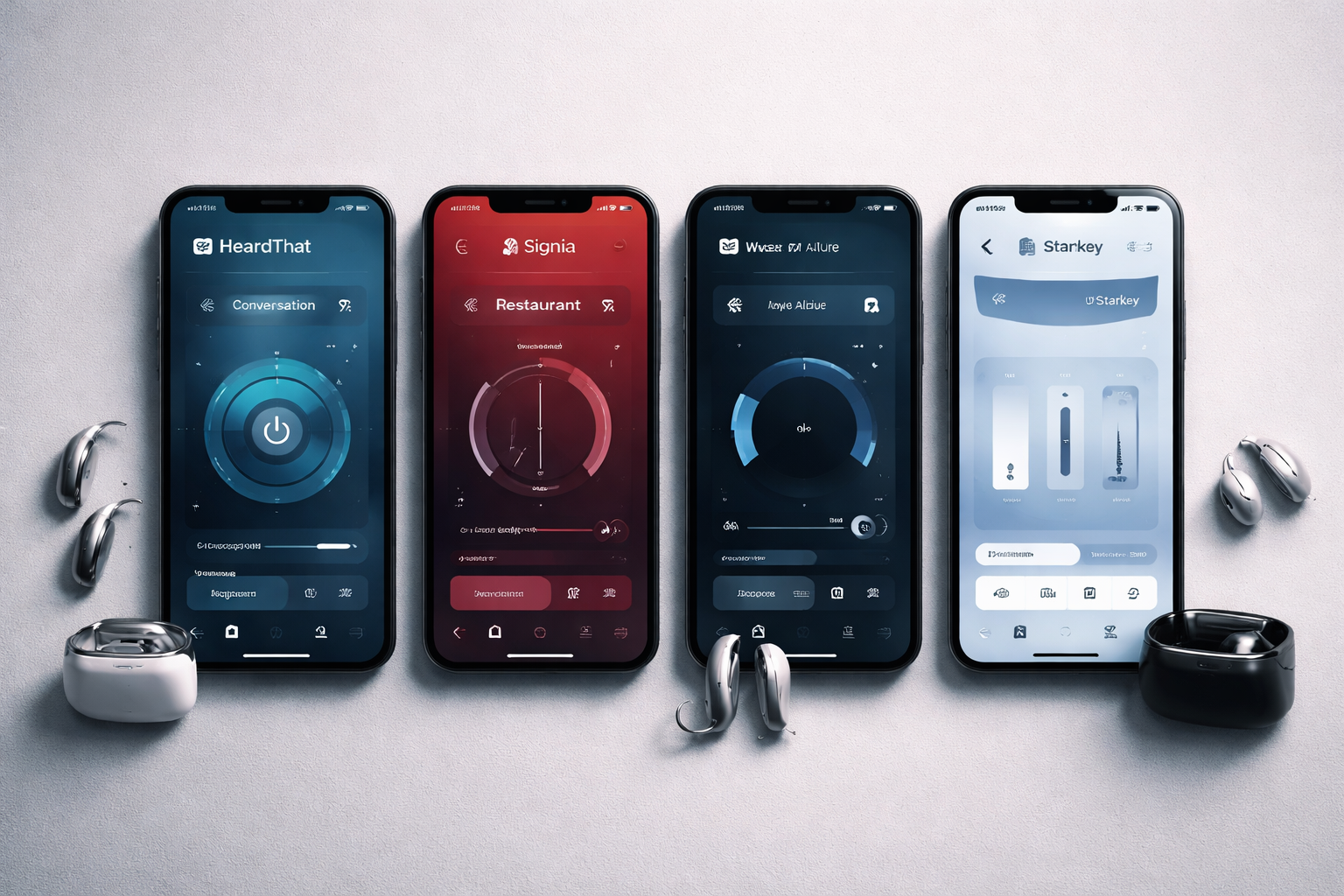
HeardThat: Best for Noisy Restaurants
What it does: HeardThat uses AI to separate speech from background noise. You hold your phone near the sound source, and the app delivers a cleaner audio signal to your earbuds.
What makes it useful: It now lets you save and download recordings, which means you can replay conversations you missed. [1] That’s genuinely helpful for medical appointments or family gatherings.
The downside: You need to have your phone out and visible. Some people find that awkward in social settings.
Cost: Free tier available. Premium features require a subscription.
Signia App: Best for Personalization Over Time
What it does: The Signia app pairs with Signia hearing aids, but its AI Assistant feature is worth highlighting specifically. It learns your preferences over time — adjusting to how you like sound in different environments without you having to manually tweak settings every time. [4]
You can also control volume and settings discreetly from your phone without touching your hearing aids. The app streams audio directly to your ears.
TeleCare feature: This is a standout. Signia’s TeleCare lets you connect with your hearing care professional remotely for adjustments — no office visit required. [4] For anyone who finds driving to appointments difficult, that matters.
The downside: You need Signia hearing aids for most features. The app alone won’t help if you haven’t made that investment.
Widex Allure App: Best for Quick Setup and Noisy Environments
What it does: Widex designed the Allure app specifically for fast onboarding and real-world noise management. The AI-powered Clarity Boost feature is built for exactly the situation most people struggle with: understanding speech when there’s competing noise. [3]
The AI Sound Assistant helps you find the right sound settings for specific situations — a restaurant, a car, a crowded family event — and saves those preferences for next time. [3]
The downside: Like Signia, full functionality requires Widex hearing aids. The setup is genuinely simple, but you still need the hardware.
Starkey My Starkey and iPro AI: Best for Health-Conscious Users
Starkey takes a different angle. Their My Starkey app goes beyond hearing — it includes step counting, engagement tracking, and balance improvement exercises. [2] Their iPro AI app for Android adds fall detection alerts, heart rate monitoring, voice translation, and real-time transcription. [7]
What to watch out for: These wellness features are genuinely useful, but don’t let them distract from the core question — does the hearing performance meet your needs? Test the audio quality first.
The downside: The feature list is long, which can feel overwhelming if you just want simpler, cleaner sound.
My Audibel: Solid All-Rounder
The My Audibel app pairs with Aris AI and Vitality AI hearing aids. It handles the basics well — adjusting settings, streaming calls, locating lost devices — and includes the same wellness features (step counting, balance exercises) as Starkey’s lineup. [8]
If you’re already in the Audibel ecosystem, this app is worth using fully.
How These Apps Help in the Three Hardest Situations
Most people with hearing difficulty struggle in the same three places. Here’s how AI smartphone apps specifically address each one.
🍽️ Restaurants
Background noise is the enemy. Hard floors, high ceilings, multiple conversations — it all blurs together. Apps like HeardThat use AI noise cancellation to isolate the voice across the table. [1] Widex Allure’s Clarity Boost is designed specifically for this kind of environment. [3]
Practical tip: Sit with your back to the wall. Position your phone on the table facing the person you’re talking to. Use earbuds connected to the app. You’ll notice the difference within the first few minutes.
📞 Phone Calls
Signia’s app streams calls directly to your hearing aids or earbuds, so the audio goes straight to your ears rather than fighting room acoustics. [4] Starkey’s iPro AI adds live transcription — the words appear on your screen as the other person speaks. [7] That’s a backup, not a crutch, but it’s genuinely reassuring.
📺 Television
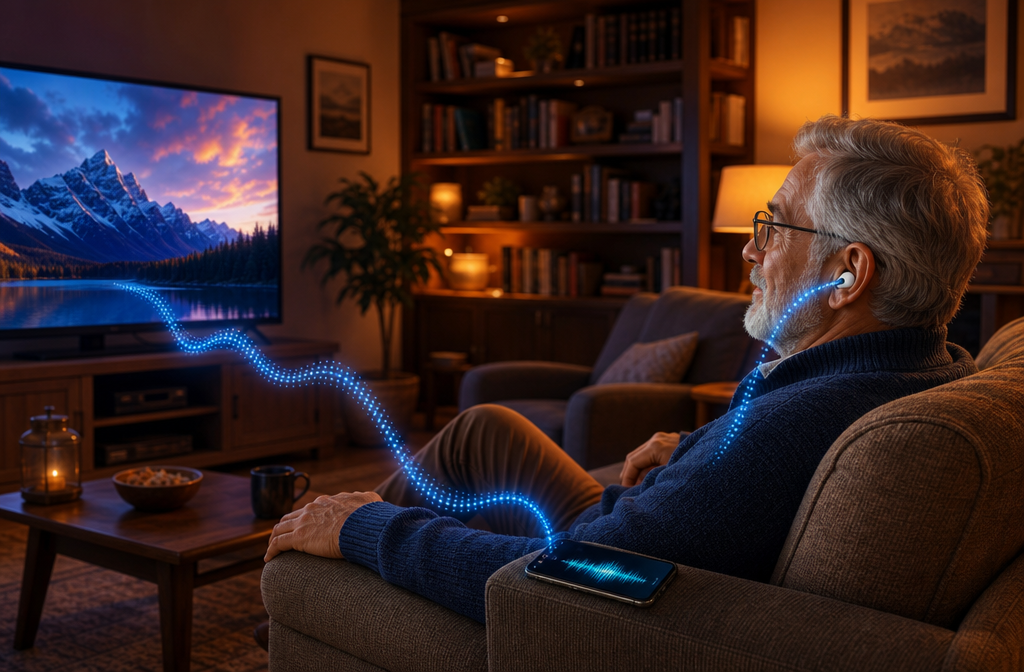
This is where companion apps shine. Both My Starkey [2] and My Audibel [8] allow direct TV audio streaming to your hearing aids. Instead of raising the volume for the whole room, the audio comes directly to you at the level you need.
If you don’t have hearing aids yet, a Bluetooth TV transmitter paired with quality earbuds and an AI audio app can approximate this experience at much lower cost.
Honest Comparison: What These Apps Can and Can’t Do
| Feature | Standalone AI Apps | Companion Hearing Aid Apps |
|---|---|---|
| Cost | Free to ~$10/month | Free (requires hearing aids) |
| Noise reduction | Good to very good | Excellent |
| Personalization | Limited | High — learns over time |
| Remote professional support | No | Yes (e.g., Signia TeleCare) |
| Works without hearing aids | ✅ Yes | ❌ No |
| Health/wellness tracking | No | Yes (Starkey, Audibel) |
| Real-time transcription | Some apps | Yes (Starkey iPro AI) |
What to Watch Out For
A few honest cautions before you download anything:
1. These apps don’t replace a hearing evaluation. If you’ve been avoiding the audiologist, an app is not a workaround. A proper hearing test tells you what type of hearing loss you have — and some types need medical attention, not just amplification.
2. Bluetooth earbuds vary widely. The AI processing in the app is only as good as the audio hardware delivering it to your ears. Cheap earbuds with poor fit will undercut even the best app. Look for earbuds with a secure fit and decent frequency response.
3. Battery drain is real. Running AI audio processing continuously will pull more power from your phone. Keep a charger handy if you’re using these apps for extended periods.
4. Privacy matters. Some apps process audio locally on your device. Others send data to cloud servers. Check the privacy policy before you grant microphone access. If an app doesn’t clearly explain where your audio goes, that’s a red flag.
The Bottom Line
How AI hearing aid apps can turn your smartphone into a personal listening assistant is no longer a future concept — it’s available right now, tested and approved by independent research, and accessible at little to no cost.
If you don’t own hearing aids, start with HeardThat. It’s free to try, works without any additional hardware, and the noise-reduction performance is backed by real science. [1] Use it at your next restaurant meal and judge for yourself.
If you already own hearing aids, check whether your brand has a companion app and make sure you’re using it fully. The AI personalization features in apps like Signia [4] and Widex Allure [3] are not gimmicks — they genuinely improve the listening experience over time as the system learns your preferences.
And if you’ve been putting off a hearing evaluation because the cost of hearing aids feels impossible, know this: the apps described here are a legitimate bridge. They won’t solve everything. But they can make daily life meaningfully easier while you weigh your options.
No hype. Just honest tools that work.
Conclusion: Your Next Steps
Start small and practical:
- Download HeardThat (free) and test it at a noisy restaurant this week.
- Check your hearing aid brand’s app store page — you may be underusing features you already paid for.
- Book a hearing evaluation if you haven’t had one in the last two years. Many audiologists offer free initial screenings.
- Review app privacy settings before granting microphone access to any new app.
- Try a Bluetooth TV audio transmitter if TV volume is your main frustration — paired with a good AI app, it’s a fraction of the cost of a full hearing aid system.
The technology has caught up. The question now is whether you’ll use it.
References
[1] Id1526360165 – https://apps.apple.com/am/app/heardthat/id1526360165?utm_source=openai
[2] Overview – https://www.starkey.com/hearing-aids/apps/my-starkey/overview?utm_source=openai
[3] Allure App – https://www.widex.com/en-us/hearing-aids/apps/allure-app/?utm_source=openai
[4] signia – https://www.signia.net/en-us/support/app/?utm_source=openai
[5] arxiv – https://arxiv.org/abs/2308.11456?utm_source=openai
[6] arxiv – https://arxiv.org/abs/2509.06382?utm_source=openai
[7] Ipro Ai – https://apprecs.com/android/com.starkey.android.proakustik.release/ipro-ai?utm_source=openai
[8] My Audibel – https://www.echohearing.com/hearing/my-audibel/?utm_source=openai