Last updated August 23, 2026
Heads up: this post contains affiliate links. If you buy through them I may earn a small commission at no extra cost to you. I only recommend what I’ve used or genuinely evaluated. Full disclosure here.
Between 2020 and 2024, reported losses of $10,000 or more to scams among adults 60 and older increased more than fourfold. Losses above $100,000 rose nearly sevenfold. [1] Those aren’t abstract statistics — that’s retirement money. Money that took decades to save and cannot easily be replaced.
Legacy Income Academy is a free newsletter for adults over 50 — plain English about money, AI, and the things that quietly cost you money if nobody tells you. Join free. No hype, ever.
This guide covers identity theft protection for retirees in plain English. No hype. No scare tactics. Just a clear, chronological roadmap — credit freeze, SSN lock, account monitoring, document security — built around the realities of retired life: fixed income, multiple retirement accounts, and Medicare exposure.
Key Takeaways
- 🔒 Freeze your credit first. It’s free, takes 15 minutes, and blocks most new-account fraud cold.
- 🛡️ Lock your Social Security Number using two separate federal tools — most retirees don’t know either exists.
- 📋 Medicare fraud is a real and separate threat — your Medicare number needs its own protection strategy.
- 📊 Monitoring alone is not enough — you need both prevention (freezes/locks) and detection (alerts).
- 💡 Paid identity protection services can help, but free steps done consistently are more effective than a paid service done halfway. The paid service compared further down is Aura.
Why Retirees Are the Primary Target
About 10% of seniors fall victim to identity theft every year. [3] While people in their 30s file more reports, adults 60 and older suffer the largest financial losses of any age group. [8]
The reason is straightforward. Retirees typically have:
- Larger savings in IRAs, 401(k)s, and brokerage accounts
- Higher credit limits built over decades
- Less daily exposure to digital fraud tactics
- Predictable income streams (Social Security, pensions) that are attractive to thieves
Research published in a peer-reviewed medical journal found that nearly 1 in 10 adults 65 and older experienced identity theft in a single year, with total losses reaching $2.5 billion. [4]
The psychological toll is just as real. Identity theft among older adults causes significant emotional distress — anxiety, shame, and a loss of confidence — beyond the financial damage. [7] That’s another reason to act before something happens, not after.
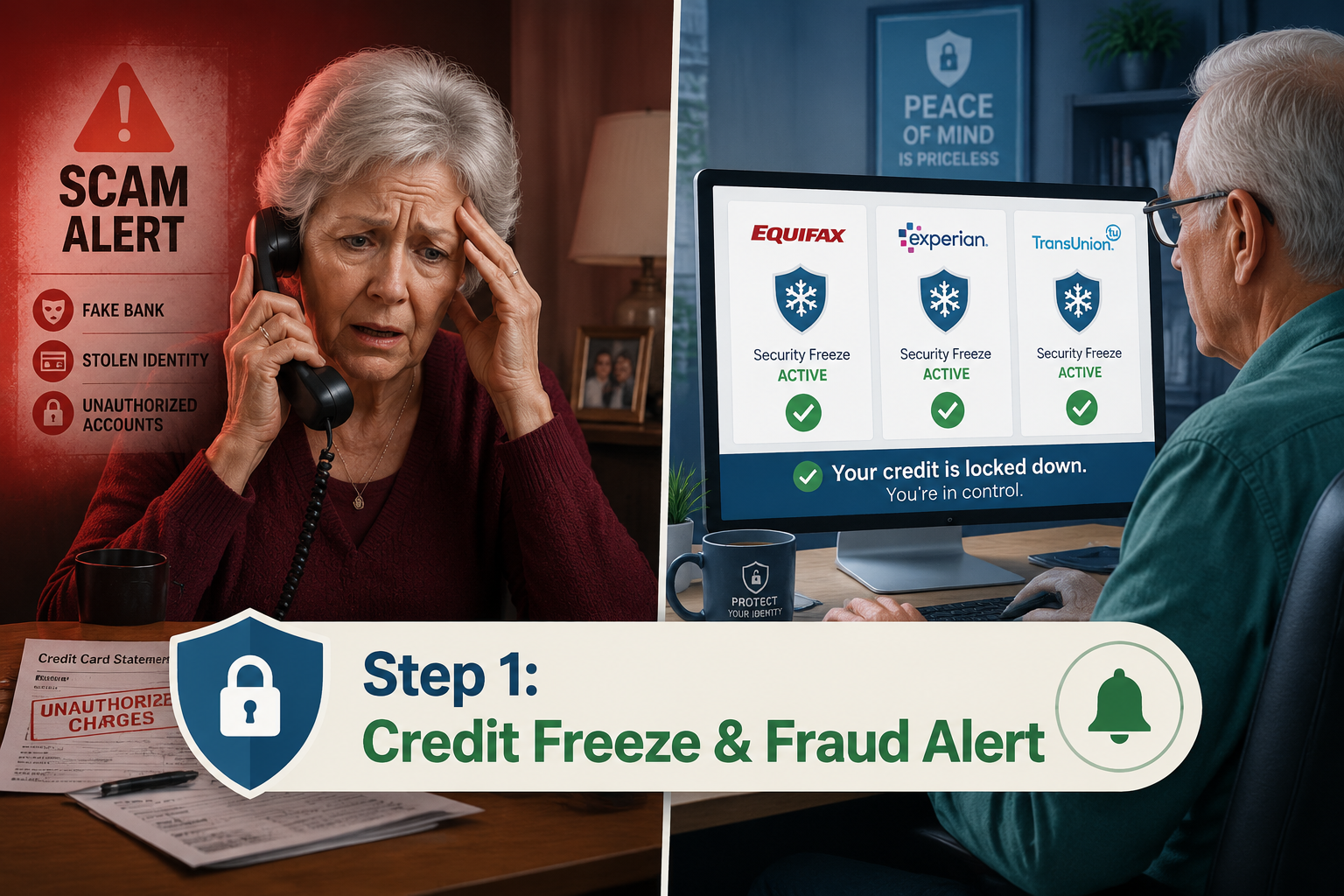
Step 1 — Place a Credit Freeze at All Three Bureaus
A credit freeze (also called a security freeze) prevents anyone from opening new credit in your name. It’s the single most effective tool available, and it’s completely free.
You must contact all three major bureaus separately:
| Bureau | Website | Phone |
|---|---|---|
| Equifax | equifax.com/personal/credit-report-services | 1-800-685-1111 |
| Experian | experian.com/freeze/center | 1-888-397-3742 |
| TransUnion | transunion.com/credit-freeze | 1-888-909-8872 |
What to watch out for: You’ll need to create an account or PIN at each bureau. Write those PINs down and store them somewhere safe — not in your email. If you lose them, unfreezing your credit later becomes a headache.
A freeze does not affect your existing accounts or credit score. It only blocks new applications. When you need to apply for credit — a new card, a car loan — you temporarily lift the freeze, then refreeze it. Takes about 5 minutes online.
Add a Fraud Alert Too
A fraud alert is a step below a freeze. It tells lenders to take extra steps to verify your identity before extending credit. It’s free, lasts one year (or seven years if you’ve already been a victim), and you only need to contact one bureau — they’re required to notify the other two.
Do both. They work together.
Step 2 — Lock Your Social Security Number
This is the step most retirees skip entirely — and it’s becoming critical. In 2026, AI-driven fraud has made it easier than ever for criminals to use stolen SSNs to file fake tax returns, open financial accounts, or claim employment benefits. [2]
There are two separate federal tools for this. Use both.
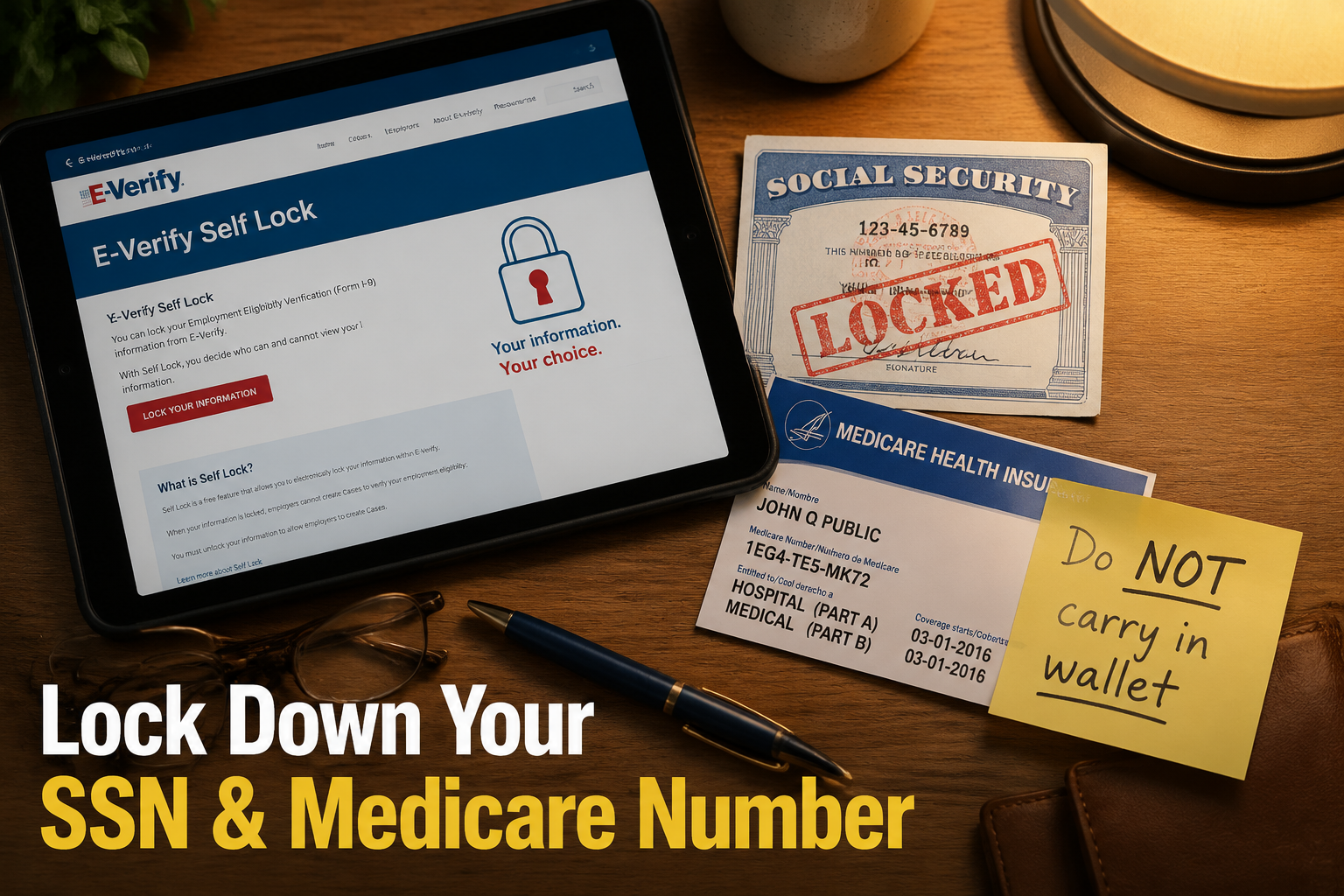
Tool 1: E-Verify Self Lock
The E-Verify Self Lock prevents someone from using your SSN to fraudulently verify employment eligibility. Go to myE-Verify at uscis.gov and create an account. The lock is free and takes about 10 minutes.
Honest downside: You’ll need to temporarily unlock it if you return to part-time work or consulting. The process is straightforward, but it’s an extra step.
Tool 2: SSA Block Electronic Access
The Social Security Administration lets you block electronic access to your SSA record. This prevents anyone — including you — from making changes to your account online or by phone. You’d need to visit an SSA office in person to make changes.
Go to ssa.gov and look for “Block Electronic Access” in your my Social Security account settings.
What to watch out for: If you block electronic access, you’ll need to visit an SSA office in person for any future changes. For most retirees already receiving benefits with no changes expected, this is a reasonable trade-off.
Step 3 — Protect Your Medicare Number
Medicare fraud is a separate and serious threat. Your Medicare Beneficiary Identifier (MBI) — the number on your red, white, and blue card — can be used to bill Medicare for services you never received.
Three rules for Medicare protection:
- Do not carry your Medicare card in your wallet. Take a photo of it, store it securely on your phone, and leave the physical card at home.
- Never give your Medicare number to anyone who contacts you first — by phone, email, or door-to-door. Medicare will not call you unsolicited.
- Review your Medicare Summary Notice every time one arrives. It lists every service billed to your account. If you see something you don’t recognize, call 1-800-MEDICARE immediately.
💬 “Medicare fraud costs the program billions each year — and it starts with your card number. Treat it like a credit card number.”
Step 4 — Set Up Account Alerts on Every Financial Account
Freezing credit and locking your SSN handles new-account fraud. But what about your existing accounts — checking, savings, brokerage, IRA?
Every major bank and brokerage offers free transaction alerts. Turn them on.
Recommended alert settings:
- ✅ Any transaction over $50 (or lower if you prefer)
- ✅ Any login from a new device or location
- ✅ Any change to your contact information (email, phone, address)
- ✅ Any wire transfer or large withdrawal
- ✅ Password change notifications
Set these up through each institution’s online portal or call their customer service line and ask them to walk you through it. Most banks are happy to help.
What to watch out for: Alert fatigue is real. If you set the threshold too low, you’ll get dozens of texts a day and start ignoring them. Start at $50 and adjust based on your spending patterns.
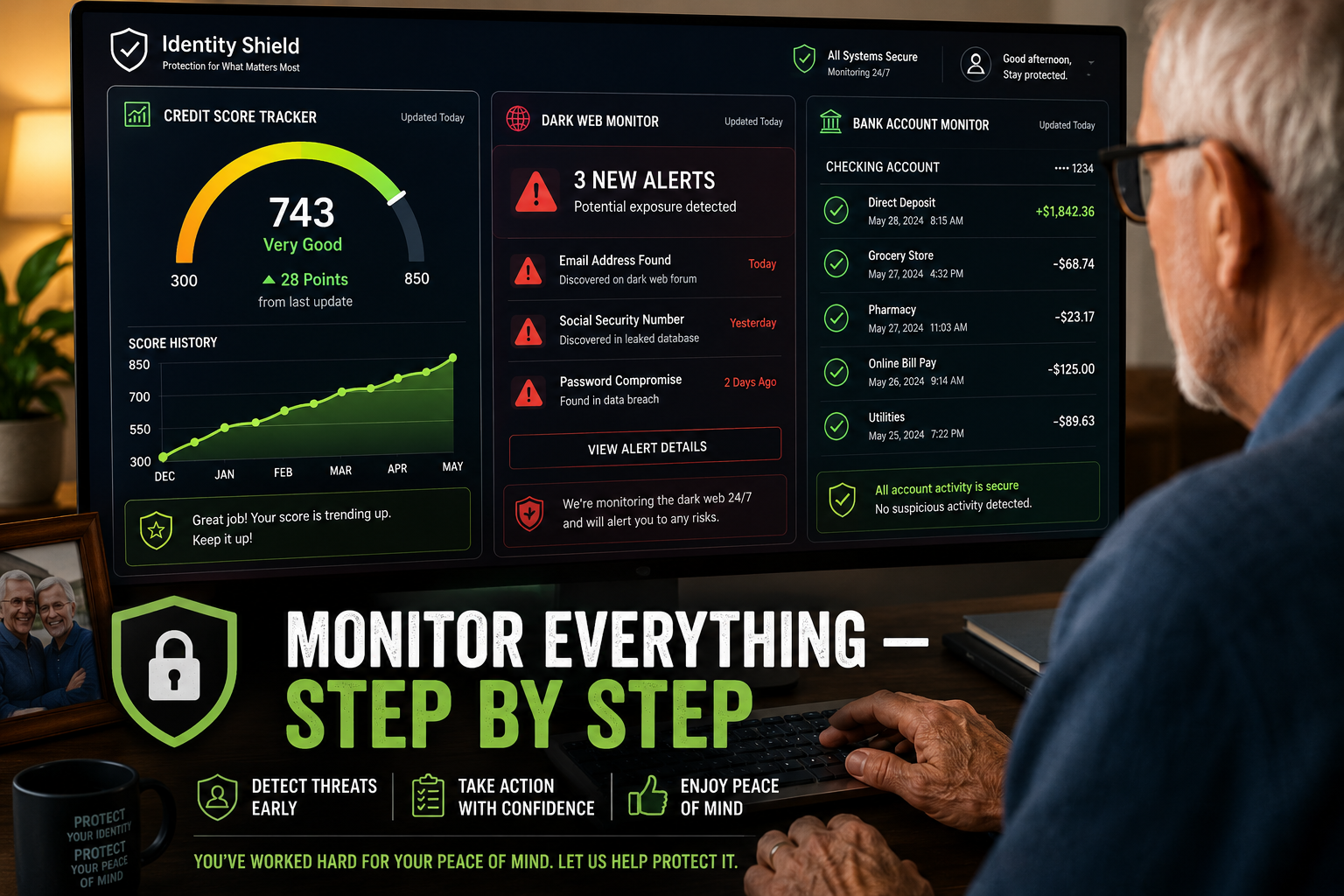
Step 5 — Monitor Your Credit and Dark Web Exposure
Prevention tools block the front door. Monitoring watches the windows.
Free monitoring options:
- AnnualCreditReport.com — the only federally authorized site for free credit reports. You can now pull your report weekly from all three bureaus.
- Credit Karma or Credit Sesame — free ongoing credit monitoring with alerts.
Paid monitoring services:
Services like Aura, IdentityIQ [6], and IdentityForce [9] offer more comprehensive coverage: dark web scanning, financial account monitoring, daily credit reports, and identity restoration support if something goes wrong.
These services typically cost $10–$30 per month. They’re worth considering if you have significant assets, multiple accounts, or simply want someone watching things you’d rather not manage yourself. If you decide a paid service is worth it, here’s what to look for in an identity protection service before you sign up.
Honest assessment: Paid services are not magic. They detect problems — they don’t always prevent them. The free steps in this guide (credit freeze, SSN lock, account alerts) do more to prevent fraud than any monitoring service. Use monitoring as a second layer, not a first.
Step 6 — Lock Down Your Physical Documents
Digital fraud gets the headlines, but physical document theft is still common — especially through mail theft and medical billing fraud.
Document security checklist:
- 📬 Get a locking mailbox or use a P.O. Box for sensitive mail
- 🗑️ Shred everything — bank statements, pre-approved credit offers, medical EOBs, utility bills
- 🗄️ Store key documents (Social Security card, passport, birth certificate) in a fireproof lockbox at home or a bank safe deposit box
- 📮 Opt for paperless statements wherever possible to reduce mail exposure
- 🚫 Opt out of pre-screened credit offers at optoutprescreen.com — these are a goldmine for mail thieves, and the same logic extends to getting your details off data-broker sites
What to watch out for: Going fully paperless means you need reliable access to email and online accounts. If that’s not comfortable yet, keep paper statements but shred them on a schedule — don’t let them pile up.
Step 7 — Consider Identity Theft Insurance
Affluent retirees are prime targets for financial scams. [5] Identity theft insurance won’t prevent fraud, but it can cover the costs of cleaning up afterward — legal fees, lost wages (if you’re still working part-time), notary costs, and sometimes direct losses.
Many homeowners and renters insurance policies already include some identity theft coverage. Check your existing policy before paying for a standalone service.
If you don’t have coverage, standalone identity theft insurance typically runs $25–$60 per year. It’s inexpensive peace of mind.
The Bottom Line: Your Action Plan
Here’s the complete identity theft protection for retirees roadmap, in order of priority:
| Priority | Action | Cost | Time |
|---|---|---|---|
| 1 | Credit freeze at all 3 bureaus | Free | 15–20 min |
| 2 | Fraud alert at 1 bureau | Free | 5 min |
| 3 | E-Verify Self Lock | Free | 10 min |
| 4 | SSA Block Electronic Access | Free | 10 min |
| 5 | Medicare card protection | Free | 5 min |
| 6 | Financial account alerts | Free | 20–30 min |
| 7 | Credit monitoring (free or paid) | Free–$30/mo | 10 min setup |
| 8 | Physical document security | $20–$50 for shredder | Ongoing |
| 9 | Identity theft insurance | $25–$60/yr | 30 min |
Do steps 1–6 this week. They’re free, they’re proven, and they cover the most common attack vectors.
Conclusion
The identity theft protection for retirees step-by-step plan isn’t complicated. It’s a series of concrete actions — most of them free — that dramatically reduce your exposure.
Start with the credit freeze. Add the SSN lock. Turn on account alerts. Then layer in monitoring and insurance if you want additional coverage.
The goal isn’t to live in fear. It’s to spend 2–3 hours this week setting up protections that run quietly in the background for years. That’s time well spent.
Your next three steps:
- Go to equifax.com, experian.com, and transunion.com today and place your credit freezes.
- Log into ssa.gov and enable Block Electronic Access.
- Call your bank and ask how to set up transaction alerts.
Everything else can follow at your own pace. But those three steps alone put you ahead of most retirees — and well ahead of most thieves.
FAQ
Does freezing my credit affect my Social Security or Medicare benefits?
No. A credit freeze only affects applications for new credit in your name. It has no connection to your Social Security payments, your Medicare enrollment, or any benefit you already receive, because those systems do not check your credit file. Freezing costs you nothing on that side.
What happens if I lose the PIN a credit bureau gave me?
Call the bureau and ask to reset it. Each of the three has a recovery process, and you should expect to prove who you are, usually with identity questions and sometimes by mailing copies of documents. It is slower than simply having the PIN, which is why it is worth writing all three down somewhere you will actually find them again. Keep them out of your email.
Does a credit freeze stop someone from using my Medicare number?
No, and this one trips people up. A credit freeze protects your credit file. Your Medicare number sits in a different system entirely, so someone billing Medicare for services you never received is not blocked by anything you did at the bureaus. That is why the Medicare steps here are separate, and why reading your Medicare Summary Notice is the check that actually catches it.
How often do I have to redo any of this?
The freezes and locks stay in place until you lift them, so those are close to one and done. What needs repeating is the checking: read your Medicare Summary Notice when it arrives, look at your credit reports a few times a year, and update your alert contact details whenever your phone or email changes. A recurring calendar reminder handles it.
If I do all of this, can I still be scammed?
Yes, and it is worth being straight about that. Everything here blocks fraud that runs through paperwork: new accounts, your Social Security number, your Medicare number. None of it stops someone talking you into sending money yourself, which is how a great deal of the losses actually happen. Treat this guide as locking the doors, and treat an unexpected call asking for money or account details as the separate risk it is.
Related Reading on Legacy Income Academy
- Aura Identity Protection Review — Is It Worth It for Seniors?
- Best Password Manager for Seniors: Easy Tools to Protect Logins Without Remembering Them All
- How to Remove Your Personal Information From the Internet: A Plain-English Guide for Seniors
References
[1] False Alarm Real Scam How Scammers Are Stealing Older Adults Life Savings – https://www.ftc.gov/news-events/data-visualizations/data-spotlight/2025/08/false-alarm-real-scam-how-scammers-are-stealing-older-adults-life-savings
[2] Why Locking Your Social Security Number Is The New Credit Freeze – https://www.kiplinger.com/retirement/social-security/why-locking-your-social-security-number-is-the-new-credit-freeze
[3] Statistics – https://www.seniorliving.org/identity-theft-protection/statistics/
[4] Pmc7743147 – https://pmc.ncbi.nlm.nih.gov/articles/PMC7743147/
[5] Identity Theft Insurance Needs In Retirement – https://corient.com/us/en/insights/articles/identity-theft-insurance-needs-in-retirement
[6] identityiq – https://www.identityiq.com/
[7] Financial Psychological Impact Identity Theft Among Older Adults – https://www.rti.org/publication/financial-psychological-impact-identity-theft-among-older-adults
[8] How Common Is Identity Theft Key Stats And Penalties – https://legalclarity.org/how-common-is-identity-theft-key-stats-and-penalties/
[9] identityforce – https://www.identityforce.com/