Last updated August 23, 2026
More than half of workers aged 50 and older — 53%, according to a May 2026 AARP study — now say they’re knowledgeable about AI tools. [1] That number keeps climbing. And it matters, because AI has quietly lowered the barrier to entry for remote work in ways that make part-time online jobs genuinely realistic for adults in their 60s and 70s.
This article is about Remote Work After Retirement: Online Jobs Older Adults Can Do With Help From AI Tools — specifically the realistic, low-stress roles that fit a retired person’s schedule and the AI tools that make those roles easier to handle without a tech background.
Legacy Income Academy is a free newsletter for adults over 50 — plain English about money, AI, and the things that quietly cost you money if nobody tells you. Join free. No hype, ever.
No hype here. Some of these jobs require patience to learn. Some pay modestly. But they’re legitimate, flexible, and doable.
Key Takeaways
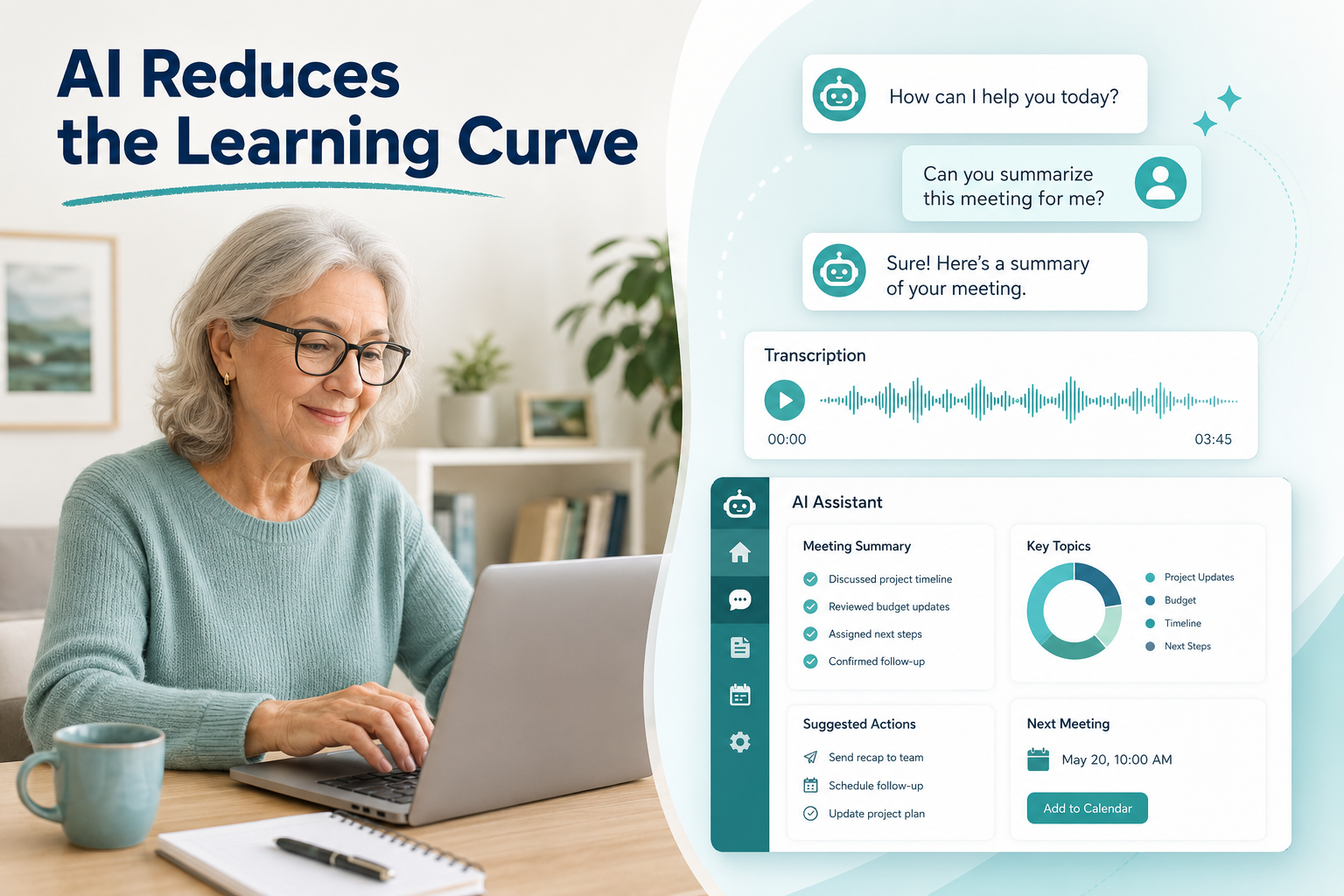
- AI tools genuinely reduce the learning curve for remote work — you don’t need to be tech-savvy to use them effectively.
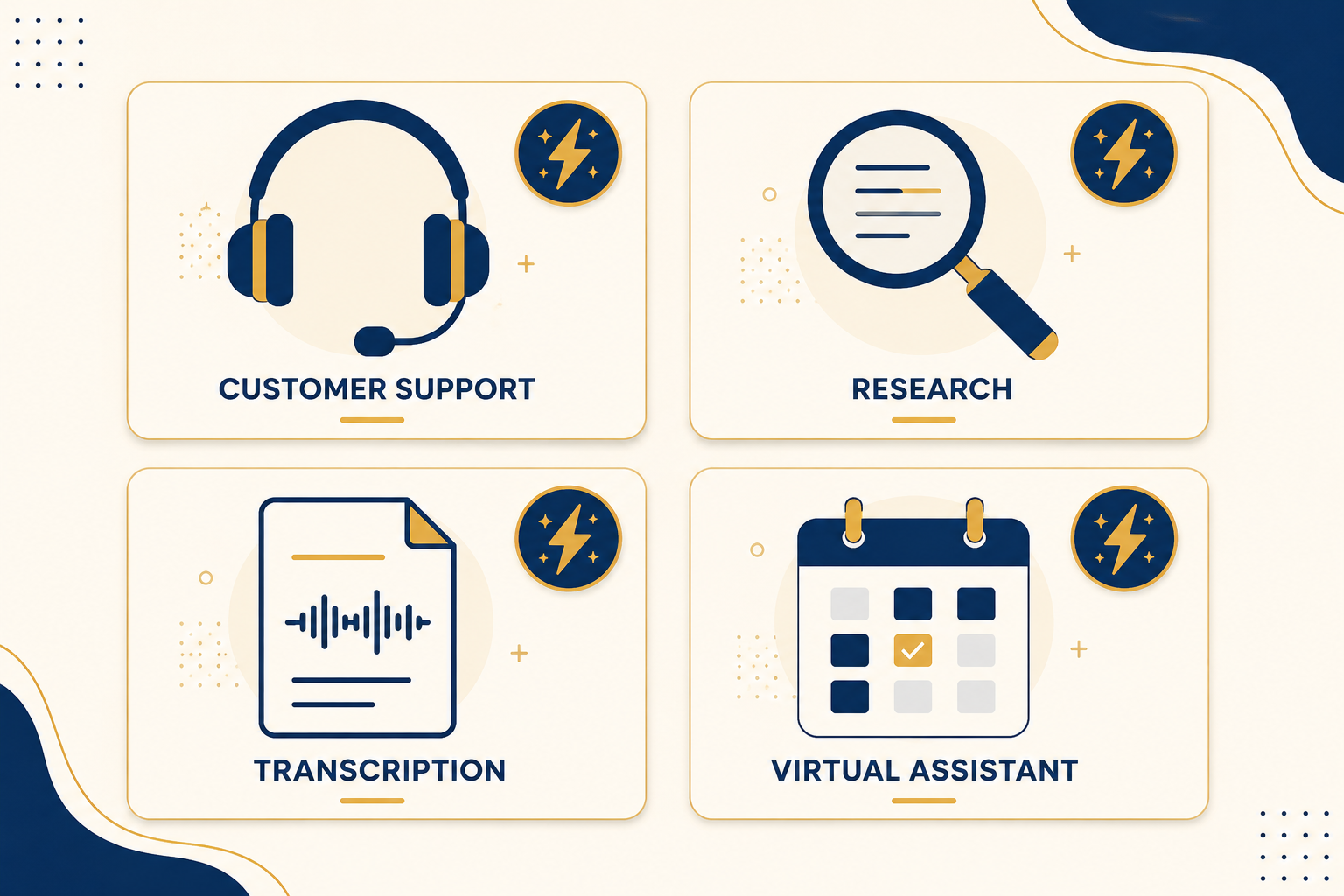
- Four realistic part-time roles fit retired adults well: virtual assistant, customer support, light research, and transcription.
- Platforms like NexRep offer flexible independent contracting in 31 U.S. states, designed with retirees in mind. [5]
- AI handles the heavy lifting — drafting emails, summarizing notes, formatting documents — so you focus on judgment and communication.
- Watch out for scams — legitimate remote jobs never ask you to pay upfront fees or buy equipment through them.
Why Remote Work After Retirement Makes Sense Right Now
Retirement used to mean a hard stop. Now it often means a slower pace — but not necessarily zero income or zero purpose.
Many retirees want a reason to get up, stay sharp, and add a few hundred dollars a month without the stress of a full-time job. Remote part-time work checks all three boxes.
Here’s what’s changed: AI tools have made it possible to do work that used to require specialized skills — writing, research, scheduling, data entry — with far less training. You don’t need to master these tools. You just need to use them well enough to get the job done.
The honest downside: There is still a learning curve. Setting up accounts, navigating platforms, and figuring out which AI tool does what takes time. Plan for a few weeks of trial and error before you feel comfortable.
Four Realistic Online Jobs for Retirees — and How AI Helps
Virtual Assistant
A virtual assistant (VA) helps small business owners or solopreneurs with tasks like scheduling appointments, responding to emails, managing calendars, and organizing files.
You don’t need an office. You need a computer, reliable internet, and good communication skills. Those are things most retirees already have.
How AI helps: Tools like ChatGPT or Claude can draft email responses for you. You review, tweak, and send. What might take 20 minutes of staring at a blank screen takes 3 minutes with AI assistance. Scheduling tools like Calendly handle appointment booking automatically.
A June 2026 Kiplinger piece highlighted AI-powered apps for time tracking, invoicing, and client communication that make managing a small VA practice genuinely manageable for retirees. [6]
What to watch out for: Some VA clients expect fast turnaround. Be upfront about your availability before taking on work. Don’t overpromise.
Realistic pay range: $15–$25/hour for general VA work. More for specialized skills like bookkeeping or social media.
Customer Support (Remote Agent)
This is one of the most accessible entry points for retirees. Companies hire remote agents to handle inbound calls, chats, or emails — helping customers with questions, orders, and basic troubleshooting.
NexRep is one platform specifically designed for this. They offer independent contracting opportunities in 31 U.S. states, with flexible scheduling that lets you choose your own hours. [5] That’s a real advantage when you want to work mornings only or skip Mondays entirely.
How AI helps: Many customer support platforms now include AI-generated suggested responses. You see the customer’s question and the AI offers a draft reply. You approve it, edit it, or override it. The AI handles repetitive queries. You handle the nuanced ones.
What to watch out for: Some roles require you to meet a minimum number of hours per week. Read the contract carefully. Also, customer-facing work can be stressful if you get difficult callers. Know your own tolerance before signing up.
Realistic pay range: $12–$18/hour, depending on the platform and type of support.
Light Research and Data Tasks
Businesses constantly need someone to gather information — competitor pricing, contact lists, product details, industry news summaries. This work is straightforward, low-pressure, and easy to do at your own pace.
How AI helps: AI tools can pull together background information quickly, summarize long articles, and help you organize findings into a clean document. You verify the facts and apply judgment. The AI does the grunt work.
A January 2026 study found that AI-based approaches significantly improve older adults’ ability to articulate and solve tech-related tasks, which directly translates to doing research work more efficiently. [8]
What to watch out for: Always verify AI-generated information. AI tools sometimes get facts wrong or pull outdated data. Your job is to check, not just copy.
Realistic pay range: $10–$20/hour. Platforms like Upwork and Fiverr list these tasks regularly.
Transcription
Transcription means listening to audio or video recordings and typing out what’s said. Medical, legal, and general transcription are the main categories.
General transcription requires no special certification. Medical and legal transcription often do — but AI has changed even that.
How AI helps: Tools like Otter.ai or Descript create an automatic first-draft transcript from audio. Your job is to clean it up — fix errors, add punctuation, format it correctly. This cuts the actual work time dramatically. What used to take an hour of careful listening now takes 20 minutes of editing.
What to watch out for: Accuracy matters. If you submit sloppy transcripts, you won’t get repeat work. Also, audio quality varies — background noise, accents, and fast speakers make some files genuinely hard to transcribe even with AI help.
Realistic pay range: $0.45–$1.25 per audio minute for general transcription. Platforms like Rev and TranscribeMe are good starting points.
How to Get Started Without Getting Scammed
This is the part most articles skip. Scams targeting retirees looking for remote work are common. Here’s plain English advice on staying safe.
✅ Legitimate remote jobs:
- Never charge you an upfront fee to apply or get started
- Have a real company website with verifiable contact information
- Pay through standard methods (direct deposit, PayPal, check)
- Have clear contracts or agreements
🚩 Red flags:
- “Pay $49 to access our job board”
- Vague job descriptions with unusually high pay
- Requests for your Social Security number before any interview
- Employers who only communicate via text or WhatsApp
Stick to known platforms: NexRep, Upwork, Fiverr, Rev, TranscribeMe, FlexJobs (paid but vetted), and LinkedIn. These aren’t perfect, but they have accountability built in.
AI Tools Worth Knowing — Plain English Breakdown
You don’t need to master AI. You need to know which tool does what.
| AI Tool | What It Does | Best For |
|---|---|---|
| ChatGPT | Drafts text, answers questions, summarizes | VA work, email drafting, research |
| Claude | Similar to ChatGPT, often clearer writing | Customer support scripts, summaries |
| Otter.ai | Transcribes audio automatically | Transcription work |
| Grammarly | Fixes grammar and clarity | All written work |
| Calendly | Automates scheduling | Virtual assistant roles |
None of these require technical knowledge to use. Most have free tiers that are sufficient for part-time work.
What Remote Work After Retirement Actually Looks Like Day-to-Day
Here’s a realistic picture — no glossing over the hard parts.
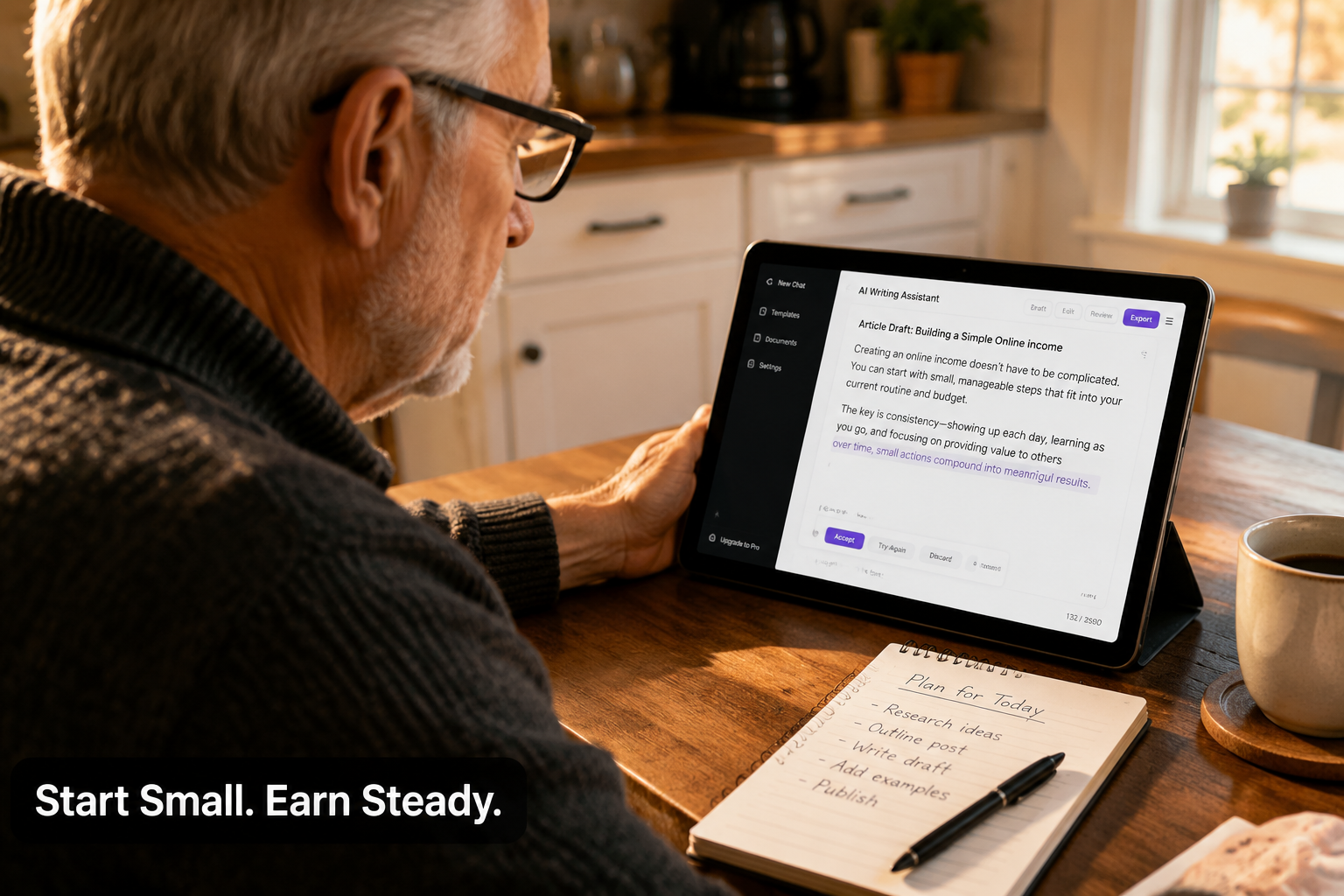
You wake up, check your work queue (emails, tasks, or scheduled calls). You spend 2–3 hours working. You use AI tools to draft, summarize, or transcribe. You review everything before it goes out. You log off and go live your life.
That’s the best-case scenario. It takes 4–8 weeks to get comfortable with the tools and the workflow. The first few weeks feel clunky. That’s normal.
“The learning curve is real. But it’s shorter than most people expect — especially when AI is doing the repetitive parts.”
The emotional upside is real too. Staying mentally active, earning income, and feeling useful are things retirees consistently report as benefits of part-time work. That’s not marketing fluff — it’s what people actually say.
Remote Work After Retirement: Online Jobs Older Adults Can Do With Help From AI Tools — The Bottom Line
Remote work after retirement isn’t a fantasy or a scam. It’s a realistic option for adults who want flexibility, purpose, and modest extra income.
The four jobs covered here — virtual assistant, customer support, light research, and transcription — are genuinely accessible. AI tools reduce the skill gap. Platforms like NexRep make the logistics manageable. [5] And the research backs up what common sense suggests: older adults are increasingly capable of learning and using these tools effectively. [1]
Honest caveat: This isn’t passive income. You have to show up, do the work, and maintain quality. If you’re looking for something that runs itself, this isn’t it.
But if you want a few hundred dollars a month, a reason to stay sharp, and work you can do from your kitchen table on your own schedule — this is worth exploring.
Conclusion: Three Steps to Take This Week
Don’t try to do everything at once. Start here:
Pick one job type that matches your existing skills. Good with people? Customer support. Good with details? Transcription or research. Good with organizing? Virtual assistant.
Try one AI tool for free. Go to ChatGPT.com or Otter.ai and spend 30 minutes experimenting. No commitment. No cost. Just get familiar.
Create a profile on one legitimate platform. NexRep, Rev, or Upwork are good starting points. Read the terms carefully. Don’t pay any upfront fees.
That’s it. Three steps. One week. See how it feels before deciding anything.
Remote work after retirement — with AI tools doing the heavy lifting — is more realistic in 2026 than it has ever been. The tools are better, the platforms are more accessible, and the research shows older adults are keeping up. [1][6]
You don’t have to be a tech expert. You just have to be willing to try.
FAQ
What can I realistically expect to earn?
By the hour, and modestly. General virtual assistant work runs about $15 to $25 an hour, remote customer support about $12 to $18, light research and data tasks about $10 to $20, and general transcription about $0.45 to $1.25 per audio minute. Specialised skills such as bookkeeping or social media pay more. None of it is a daily windfall, and anything advertised as one is worth a hard look.
Do I need a certificate or special training to start?
For general transcription, no certification is required. Medical and legal transcription often do want one. Virtual assistant, customer support and research work generally need a computer, reliable internet and good communication rather than credentials — things most retirees already have.
Am I too old for companies to take me seriously?
The work here is judged on output rather than presence, which is what makes it a reasonable fit. Employers on these platforms are buying reliability, clear writing and follow-through. Being upfront about your availability before you take work on matters more than anything on a CV.
How do I tell a real remote job from a scam?
Legitimate remote jobs never charge you a fee to apply or get started, have a real company website with verifiable contact details, pay by standard methods such as direct deposit, and put the arrangement in a contract. The reliable red flags are paying to access a job board, vague descriptions with unusually high pay, requests for your Social Security number before any interview, and employers who only communicate by text or WhatsApp.
Do I have to be good with AI tools to do this work?
No, but knowing two or three of them changes the maths. AI drafts an email reply, a first-pass transcript, or a summary of a long document, and your job becomes reviewing and correcting rather than starting from a blank screen. A transcript that used to take an hour of careful listening can take twenty minutes of editing.
Can I trust what the AI produces?
Not without checking it. These tools sometimes get facts wrong or pull outdated information, and in research work your value is the verification, not the copying. Submitting sloppy AI output is also the fastest way to lose repeat work.
Related Reading on Legacy Income Academy
- Making money online after 60: what actually works, what doesn’t, and how long it takes
- How self-employment can cost you Social Security before full retirement age
- Hobby or business? The rule that decides whether you can deduct anything
References
[1] Workforce Trends Older Adults Artificial Intelligence – https://www.aarp.org/pri/topics/work-finances-retirement/employers-workforce/workforce-trends-older-adults-artificial-intelligence/?msockid=04a74138eb2260a6366f5769ea81619b&utm_source=openai
[2] Ai Is Becoming The New Companion For Aging Americans – https://www.pymnts.com/news/artificial-intelligence/2026/ai-is-becoming-the-new-companion-for-aging-americans/?utm_source=openai
[3] E88005 – https://aging.jmir.org/2026/1/e88005/?utm_source=openai
[4] Canary Speech Jubileetv Partner Ai Voice Biomarkers Home Care – https://www.mobihealthnews.com/news/canary-speech-jubileetv-partner-ai-voice-biomarkers-home-care?utm_source=openai
[5] Working From Home For Retirees – https://nexrep.com/agents/opportunities/working-from-home-for-retirees/?utm_source=openai
[6] Retirement Side Hustle Starter Kit Tools And Apps You Need – https://www.kiplinger.com/retirement/retirement-planning/retirement-side-hustle-starter-kit-tools-and-apps-you-need?utm_source=openai
[7] Ai Companion Apps Seniors Older Adults – https://www.aicompanionpick.com/ai-companion-apps-seniors-older-adults?utm_source=openai
[8] arxiv – https://arxiv.org/abs/2601.10018?utm_source=openai
[9] arxiv – https://arxiv.org/abs/2502.01801?utm_source=openai
[10] New Ai Assistant Routines Helps Caregivers Check On Seniors Remotely Without Invading Privacy – https://www.businesswire.com/news/home/20250723446325/en/New-AI-Assistant-Routines-Helps-Caregivers-Check-on-Seniors-Remotely-Without-Invading-Privacy?utm_source=openai