Published June 6, 2026
Roughly 30% of adults 65 and older now use a voice assistant regularly — that number has doubled since 2024. [1] That’s not a tech trend. That’s a practical shift in how older adults are managing daily life at home, often without asking anyone for help.
If you’ve been curious about whether Alexa, Siri, or Google Assistant could actually be useful — not just a gadget — this is the plain-English breakdown you’ve been looking for. Voice Assistants for Seniors: Using Alexa, Siri, and Google Assistant as Everyday Care Helpers is a real category now, and it’s worth understanding before you spend a dime.
Key Takeaways
- Medication reminders, emergency calls, and hands-free communication are the three highest-value uses for seniors living alone.
- Alexa leads for smart home control and affordability. Google Assistant leads for information. Siri works best if you’re already in the Apple ecosystem. [2]
- Setup is the hardest part. Most seniors who quit did so in the first week. Get help with the initial setup — it pays off.
- Privacy is a real concern, not a paranoid one. These devices do listen for wake words, and that data goes somewhere.
- Senior-specific devices like “Sam” and “Herbie” now exist for those who want something simpler than a general-purpose assistant. [3]
What Voice Assistants Actually Do for Seniors Day-to-Day
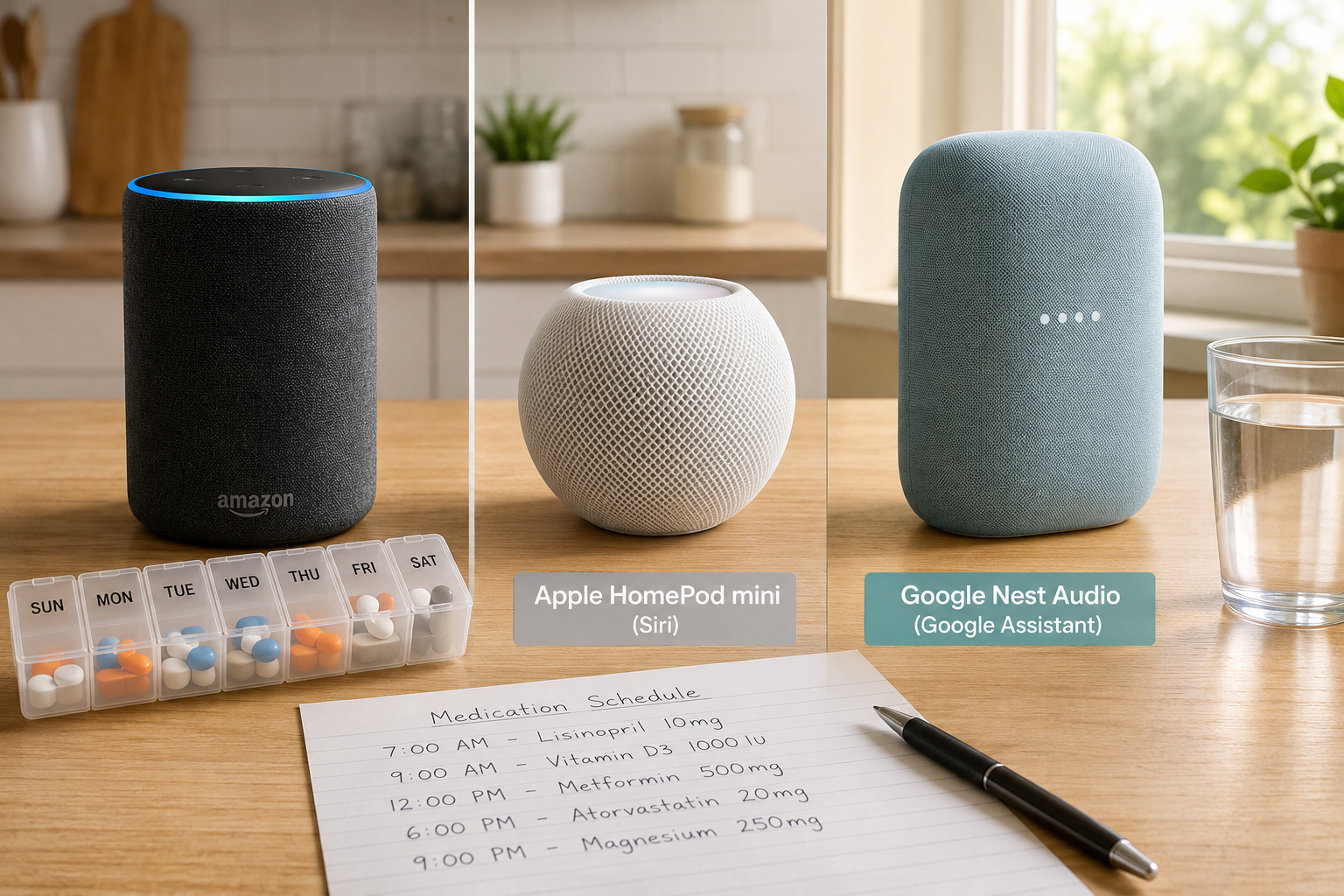
Let’s skip the marketing and talk about what these devices actually do well — and where they fall short.
Medication Reminders That Work Without a Smartphone
This is the most practical use case, and it works. You can tell Alexa, Google, or Siri to remind you to take your blood pressure medication at 8 a.m. every day. The device speaks the reminder out loud. You don’t need to look at a phone or press anything.
For people managing multiple prescriptions, this matters. Missing a dose isn’t just inconvenient — for some conditions, it’s dangerous.
How to set it up:
- Alexa: “Alexa, remind me to take my heart medication every day at 8 a.m.”
- Google: “Hey Google, set a daily reminder for 9 a.m. to take my vitamins.”
- Siri: “Hey Siri, remind me every morning at 7:30 to take my pills.”
All three work. None require an app. None require you to type anything.
Hands-Free Phone Calls and Family Check-Ins
Falls happen. Strokes happen. If your hands are occupied — or if you’ve fallen and can’t reach your phone — being able to say “Alexa, call my daughter” can be the difference between getting help in two minutes or two hours.
Voice assistants can be configured to contact emergency services through simple voice commands, adding a genuine safety layer for seniors living alone. [5] This isn’t a gimmick. It’s a legitimate backup system.
“The best safety device is the one you’ll actually use. A voice command beats fumbling for a phone every time.”
Smart Home Controls That Reduce Fall Risk
This one doesn’t get enough attention. Getting up in the dark to turn off a light is how falls happen. Voice control eliminates that.
- “Alexa, turn off the bedroom light.”
- “Hey Google, lock the front door.”
- “Siri, set the thermostat to 72 degrees.”
Alexa has the widest compatibility with smart home devices — light bulbs, door locks, thermostats, plugs — and tends to be the most affordable entry point. [2] If smart home control is your main goal, Alexa is the honest first choice.
Getting Information Without Squinting at a Screen
“What’s the weather tomorrow?” “What’s the phone number for my pharmacy?” “How many milligrams are in a teaspoon?” These are real questions that come up every day, and voice assistants answer them instantly.
Google Assistant is the strongest here. It pulls from Google’s search index, which means more accurate, more current answers than the other two. [2]
The Honest Comparison: Alexa vs. Siri vs. Google Assistant
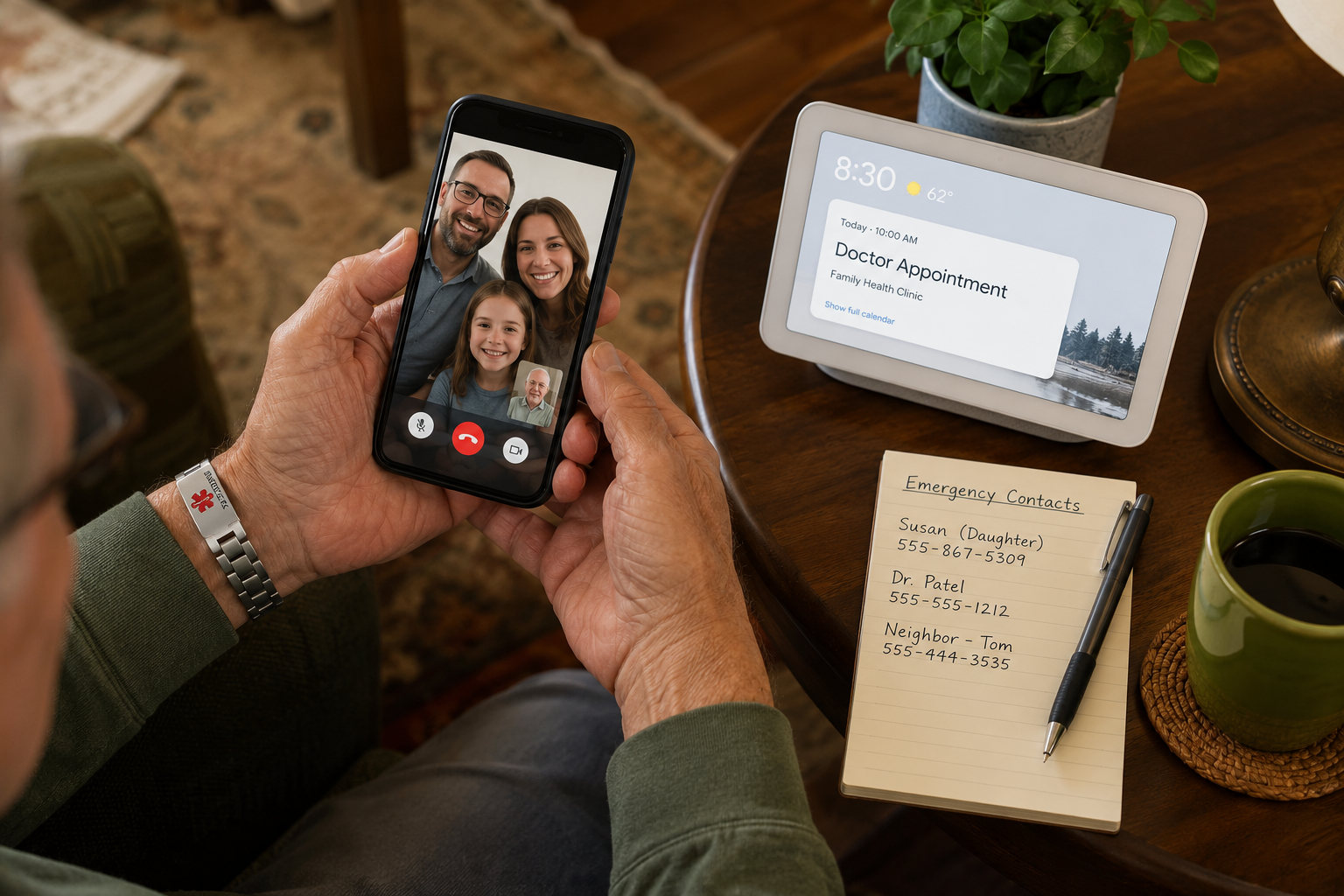
No single device is best for everyone. Here’s a straight comparison based on what matters most for seniors aging in place.
| Feature | Amazon Alexa | Google Assistant | Apple Siri |
|---|---|---|---|
| Best for | Smart home control | Information & search | Apple device users |
| Hardware cost | Lowest (Echo Dot ~$30) | Mid-range | Built into iPhone/iPad |
| Medication reminders | ✅ Yes | ✅ Yes | ✅ Yes |
| Emergency calls | ✅ Yes | ✅ Yes | ✅ Yes |
| Smart home devices | ⭐ Best selection | Good | Limited |
| Privacy controls | Moderate | Moderate | Strongest |
| Setup difficulty | Easy | Easy | Easiest (if you have iPhone) |
| Works without smartphone | ✅ Yes | ✅ Yes | ❌ Needs iPhone nearby |
The Downside You Should Know
Alexa collects and stores voice recordings. Amazon uses this data. You can delete recordings manually, but it takes effort to find the setting.
Google Assistant is tied to your Google account, which means it knows a lot about you already. If that bothers you, it should factor into your choice.
Siri has the strongest privacy reputation — Apple processes more data on-device rather than sending it to servers. But Siri is weakest on smart home integration unless you’ve invested in Apple-compatible devices, which tend to cost more.
None of these devices are completely private. They all listen for a wake word, and that listening happens continuously. That’s not paranoia — it’s how they work. [4]
What to Watch Out For: Real Risks and Honest Downsides
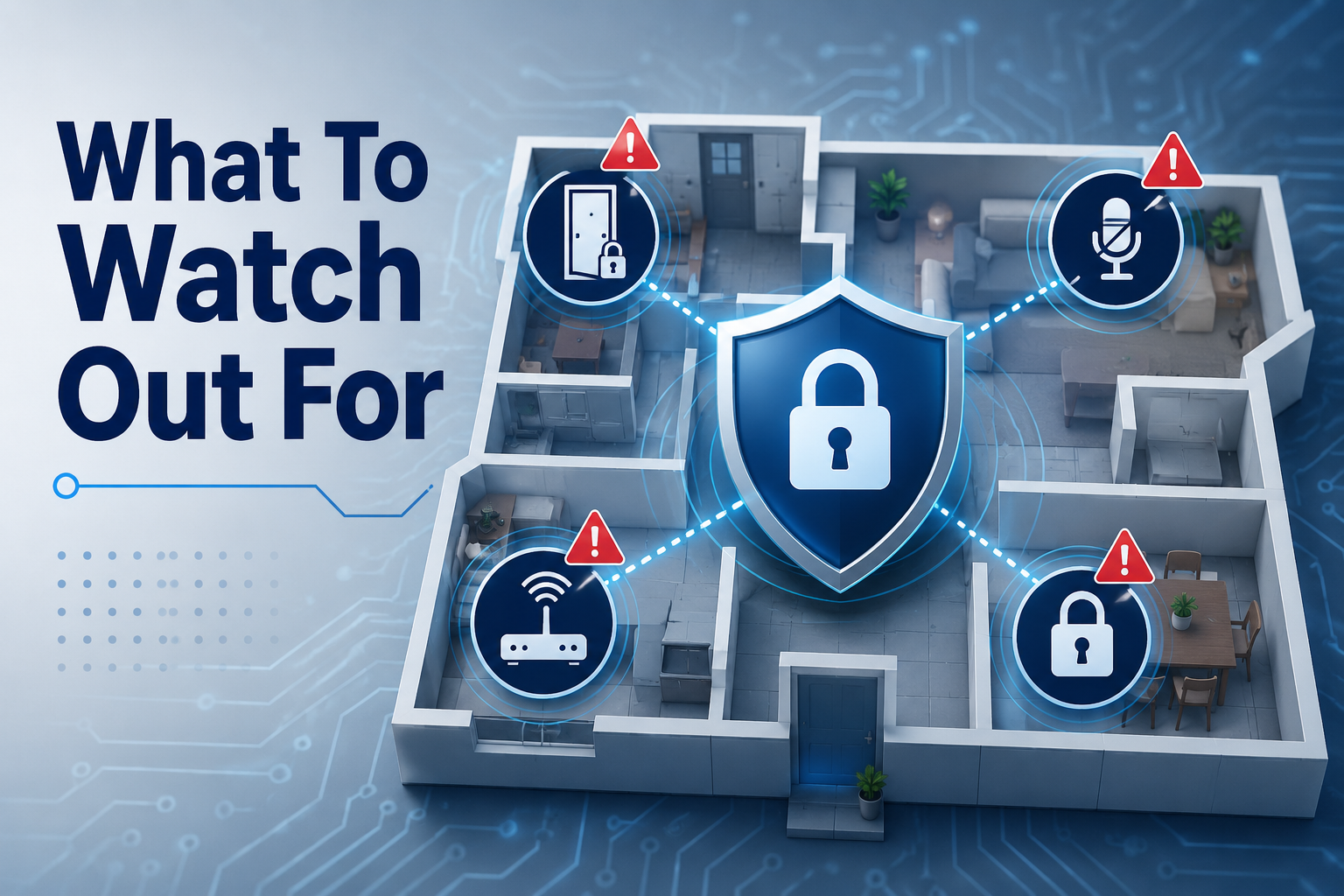
This section matters. Most articles skip it. Here’s what you need to know before you set one of these up.
Privacy Concerns Are Legitimate
Research confirms that privacy concerns are among the top reasons seniors hesitate to adopt voice assistants. [6] That’s a reasonable hesitation. These devices are always-on microphones in your home.
What you can do:
- Use the physical mute button when you’re not using the device
- Regularly delete your voice history in the app
- Don’t say sensitive information (account numbers, passwords, Social Security numbers) near the device — ever
Scam Risk Is Real
Bad actors know seniors use these devices. Alexa, in particular, has had third-party “skills” (mini-apps) that mimicked legitimate services and collected personal information.
Rule of thumb: Never give a voice assistant your Social Security number, bank account number, or Medicare number. Legitimate services don’t ask for those by voice.
Setup Is the Biggest Barrier
Studies show that seniors who struggle with initial setup often abandon the device entirely. [6] The technology itself isn’t the problem — it’s the first 30 minutes.
Honest advice: Don’t set this up alone if you’re not comfortable with technology. Ask a family member, a neighbor, or call the retailer’s support line. Most major retailers offer free setup assistance. That one hour of help determines whether the device sits in a drawer or becomes genuinely useful.
Accidental Activations Happen
These devices sometimes respond to words that sound like the wake word. “Alexa” can be triggered by someone on TV saying a similar-sounding word. This is annoying, not dangerous — but it’s worth knowing.
Senior-Specific Alternatives Worth Considering
If the general-purpose assistants feel like too much, newer devices like Sam and Herbie are built specifically for older adults. [3] They offer daily check-ins, simplified interfaces, and features like cognitive monitoring — designed for people who want less complexity, not more. These are worth looking at if Alexa or Google feel overwhelming.
How Voice Assistants Support Cognitive Health and Social Connection
This is newer territory, and the early data is worth paying attention to.
Voice assistants are increasingly being used to monitor cognitive health through interactive games and conversations. Research suggests that 76% of cognitive decline flags identified by these devices were confirmed by clinical assessments. [1] That’s not a replacement for a doctor — but it’s a meaningful early-warning tool.
On the social side, use of voice assistants has been linked to a 40% increase in daily social interactions among seniors. [1] Part of that is easier calling. Part of it is that some seniors talk to these devices when they’re lonely — and that’s not as strange as it sounds. Connection, even with a machine, reduces isolation.
Practical ways to use voice assistants for connection:
- Set up daily “drop-in” calls with family members (Alexa’s Drop In feature works well for this)
- Use Google Nest Hub’s video calling for face-to-face contact without navigating a smartphone
- Ask the assistant to read news, play music, or tell jokes — it sounds minor, but it helps
Getting Started: A Simple First Week Plan
You don’t need to learn everything at once. Here’s a realistic plan.
Day 1: Plug in the device. Let a family member or retailer handle setup.
Day 2–3: Practice three commands only — a reminder, a phone call, and a weather question.
Day 4–5: Add medication reminders for every prescription.
Day 6–7: Explore one smart home feature if you have compatible devices (a smart plug costs about $15 and works with all three assistants).
That’s it. Master the basics before adding anything else.
Conclusion: The Bottom Line on Voice Assistants for Seniors
Voice Assistants for Seniors: Using Alexa, Siri, and Google Assistant as Everyday Care Helpers is not hype. These tools genuinely help with medication reminders, hands-free calls, fall prevention through smart home control, and staying connected with family.
They’re not perfect. Privacy trade-offs are real. Setup can be frustrating. Scam risks exist and require awareness.
But for most adults aging in place, the practical benefits outweigh the downsides — especially if you get proper setup help and follow basic privacy habits.
Actionable next steps:
- ✅ Decide which ecosystem fits your life: Alexa (smart home), Google (information), or Siri (Apple users)
- ✅ Ask a family member or retailer to handle the initial setup
- ✅ Start with medication reminders and one emergency contact
- ✅ Enable the mute button habit when you’re not using the device
- ✅ If it all feels like too much, look at Sam or Herbie as simpler alternatives [3]
No gadget fixes everything. But a voice assistant, set up correctly and used consistently, can make staying home safer and less isolating. That’s worth knowing.
References
[1] Voice AI Interfaces Elderly Engagement – https://www.ajentik.ai/insights/voice-ai-interfaces-elderly-engagement?utm_source=openai
[2] AI Voice Assistants For Seniors – https://seniorgigguide.com/ai-voice-assistants-for-seniors/?utm_source=openai
[3] withsam – https://www.withsam.com/?utm_source=openai
[4] S0747563221002375 – https://www.sciencedirect.com/science/article/pii/S0747563221002375?utm_source=openai
[5] AI Voice Assistants For Seniors – https://grantsforseniors.org/ai-voice-assistants-for-seniors/?utm_source=openai
[6] pubmed.ncbi.nlm.nih.gov – https://pubmed.ncbi.nlm.nih.gov/35459429/?utm_source=openai