Last updated August 23, 2026
Heads up: this post contains affiliate links. If you buy through them I may earn a small commission at no extra cost to you. I only recommend what I’ve used or genuinely evaluated. Full disclosure here.

Deepfake fraud in the U.S. jumped 700% in early 2025, costing victims $1.1 billion — and seniors are the primary target. [1] That number is not a typo. It is not hype. It is what happens when scammers get access to powerful AI tools and point them at people who trust phone calls, answer emails, and believe their own eyes.
Legacy Income Academy is a free newsletter for adults over 50 — plain English about money, AI, and the things that quietly cost you money if nobody tells you. Join free. No hype, ever.
This guide — Online Safety for Seniors: A Step‑by‑Step Guide to Spotting AI‑Powered Scams — is written in plain English. No jargon. No panic. Just the facts you need, the warning signs to watch for, and concrete checklists you can use before you click, pay, or share anything online. If you are also weighing how risky AI itself is, that is covered separately in the real risks of using AI and what it cannot do.
Key Takeaways
- 🛑 AI scams are not obvious. They sound like your grandchild. They look like your bank manager. They feel real because they are designed to.
- 📞 Voice cloning and deepfake video are the two fastest-growing threats to seniors in 2026.
- 🎣 Phishing emails and texts are smarter than ever — AI writes them now, and they make far fewer grammar mistakes than before.
- ✅ A simple pause-and-verify habit stops most scams cold, regardless of how convincing they seem. The one paid service I use alongside that habit is Aura, covered further down.
- 👨👩👧 Talking to family is not weakness — research shows intergenerational support is one of the most effective defenses available. [8]
How AI Has Changed the Scam Playbook
Scammers used to be easy to spot. Bad grammar. Misspelled words. Requests for gift cards from “the IRS.” Those days are mostly over.
Today’s scammers use AI tools that anyone can access. These tools write perfect emails, clone voices from a three-second audio clip, and generate realistic video of faces that do not exist. The result is fraud that looks and sounds like the real thing.
Here is what they are using against you right now:
AI Voice Cloning
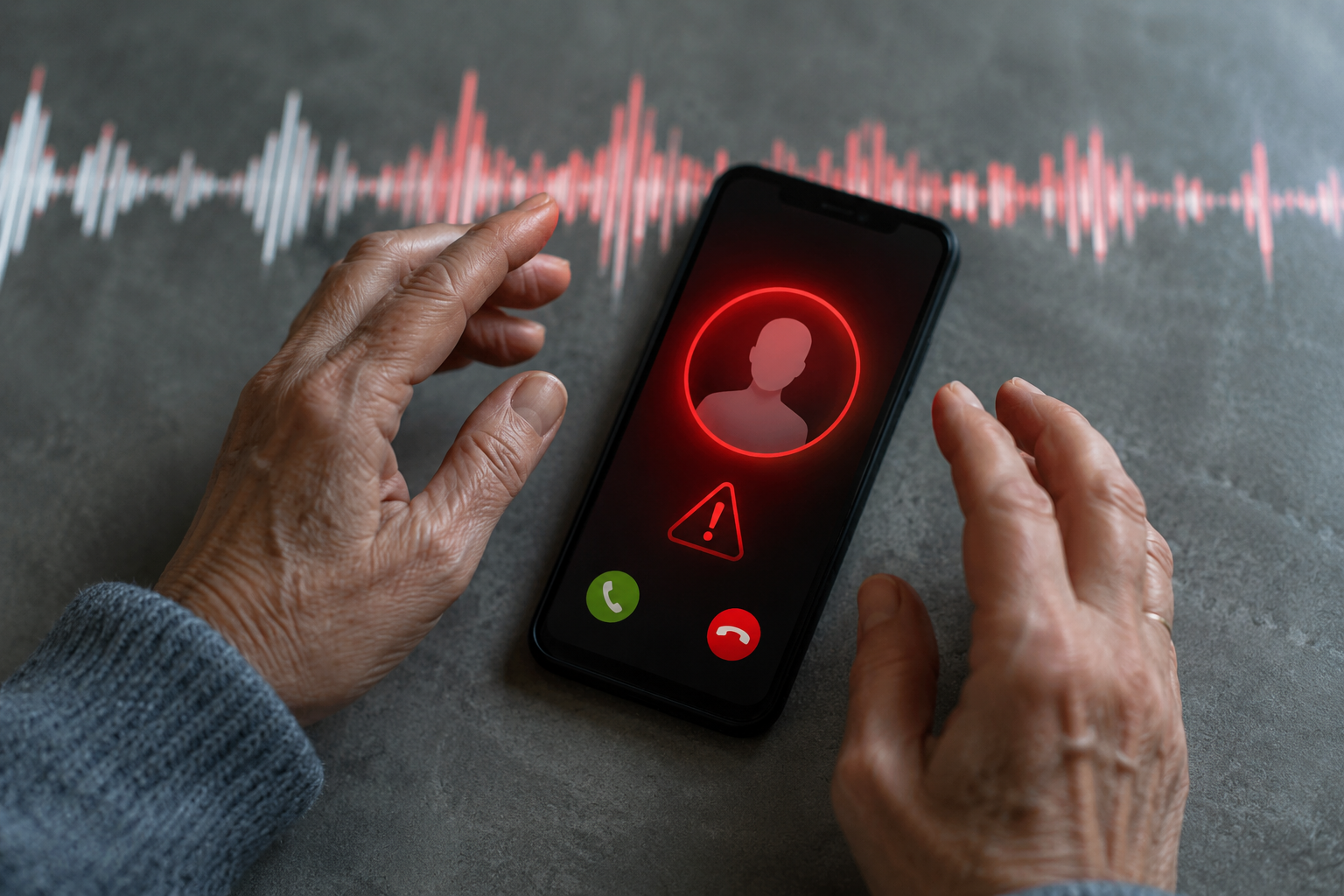
A scammer records a short clip of your grandchild’s voice — from a social media video, a voicemail, anywhere — and feeds it into a voice-cloning program. Within minutes, they can call you sounding exactly like your grandchild, saying they are in trouble and need money immediately.
The FBI’s Internet Crime Complaint Center received 22,364 complaints involving AI in 2025, with losses exceeding $893 million. Voice cloning was one of the primary tools used. [2]
What to watch out for:
- Calls from family members asking for emergency money
- Requests to keep the call secret from other family members
- Pressure to wire money, buy gift cards, or use cryptocurrency
AI-Generated Phishing Emails and Texts
Phishing — fake emails and texts designed to steal your information — was the single most common cybercrime in 2025, with 193,407 complaints filed. [3] AI now writes these messages, which means they no longer have the spelling errors and awkward phrasing that used to give them away.
A study found that AI-generated phishing emails successfully tricked 11% of senior participants. [7] That may sound small, but across millions of targets, it adds up to billions of dollars lost.
What to watch out for:
- Emails claiming your bank account, Medicare, or Social Security is “on hold”
- Texts with urgent links asking you to “verify” your information
- Messages that look almost identical to real ones from companies you use
Deepfake Video Calls
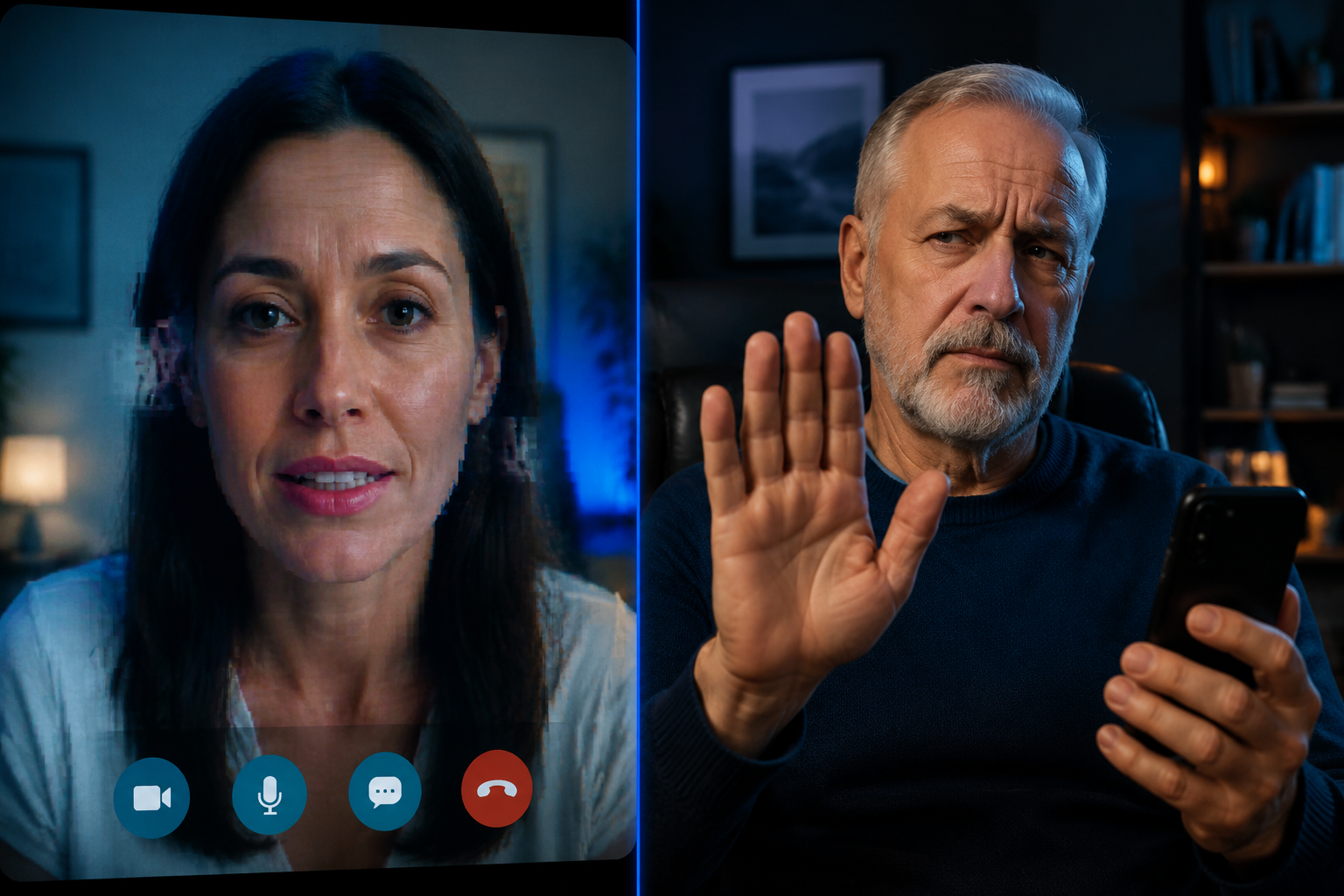
This is the newest and most alarming threat. Scammers use deepfake technology to appear on a live video call as someone you trust — a bank manager, a government official, even a family member. The face moves. The mouth syncs. It looks real. [1]
“If it feels urgent and involves money, that’s your signal to stop — not speed up.”
AI Romance Scams
Romance scams cost seniors $584 million in 2025. [4] Scammers now use AI-generated profile photos and AI chatbots to build fake relationships over weeks or months. By the time they ask for money, many victims genuinely believe they are in love.
AI Vishing (Voice Phishing)
Vishing is a phone call version of phishing. AI-driven vishing systems now adapt in real time to what you say, making the conversation feel natural and believable. [5] These are not pre-recorded messages. They respond to you.
A Step-by-Step Checklist: What to Do Before You Click, Pay, or Share
If you’d rather have one service handle the monitoring for you, Aura is the identity protection service I recommend — it covers credit and bank monitoring, dark-web alerts, and identity theft insurance. Not sure which service fits? Here is what to look for in an identity protection service.
This is the practical core of Online Safety for Seniors: A Step‑by‑Step Guide to Spotting AI‑Powered Scams. Print this out. Put it near your computer or phone.
Before You Click Any Link
| Step | Action |
|---|---|
| ✅ 1 | Hover over the link (on a computer) to see the real web address before clicking |
| ✅ 2 | Check the sender’s email address — not just the display name, but the actual address |
| ✅ 3 | Look for urgency language — “Act now,” “Your account will be closed,” “Limited time” |
| ✅ 4 | Go directly to the website by typing the address yourself instead of clicking the link |
| ✅ 5 | Call the company directly using a number from their official website, not one in the email |
Before You Answer or Return a Call
- Let unknown numbers go to voicemail. Legitimate callers leave messages.
- If someone claims to be a family member in trouble, hang up and call that person back on their real number.
- If a caller claims to be from your bank, Medicare, or the IRS, hang up and call the official number yourself.
- Never give out your Social Security number, bank account, or passwords over the phone — no legitimate organization will ask for these this way.
Before You Send Money or Gift Cards
🚩 Stop immediately if anyone asks you to:
- Wire money to fix a problem
- Buy gift cards and read the numbers over the phone
- Send cryptocurrency
- Keep the transaction secret from family
These are not legitimate payment methods for any real business, government agency, or bank. Ever.
Before You Trust a Video Call
- Ask a personal question only the real person would know — and make it specific, not something on social media.
- Watch for unnatural blinking, slightly blurred edges around the face or hair, or a face that seems “too smooth.”
- Suggest switching to audio only — deepfakes often fall apart without video.
- If something feels off, trust that feeling. End the call and verify through another channel.
How to Spot the Warning Signs in Real Time
Even with the best checklist, scams happen fast. Here are the seven warning signs worth committing to memory — based on what security researchers are tracking in 2026. [9] For a shorter version to keep by the phone, plus what to do if you have already been hit, see our rundown of online scam red flags.
- Urgency — Real institutions give you time to think. Scammers do not.
- Secrecy — “Don’t tell your family” is a red flag every single time.
- Unusual payment methods — Gift cards, wire transfers, crypto.
- Too-perfect communication — Flawless emails from sources that never wrote that well before.
- Emotional pressure — Fear, love, or guilt being used to rush a decision.
- Requests for personal information — Especially Social Security numbers, PINs, or passwords.
- Something feels slightly off — A voice that sounds like your grandson but not quite. Trust that instinct.
Building Your Defense: Practical Tools and Family Support
One more layer worth having: a VPN scrambles your internet connection so no one can snoop on what you’re doing — especially on public Wi-Fi. NordVPN is the one I use, and it now bundles antivirus and monitoring too.
Knowing the warning signs is step one. Building habits and systems around them is step two.
Set Up a Family Code Word
This is one of the most effective tools available, and it costs nothing. Agree on a secret word with close family members. If someone calls claiming to be a family member in an emergency, ask for the code word. A scammer will not know it. [10]
Use Two-Factor Authentication
Strong, unique passwords are impossible to keep in your head — so let a password manager do it. RoboForm is the one I recommend: it stores and fills your logins, and you only have to remember one master password.
Two-factor authentication (2FA) means that even if someone gets your password, they cannot log into your account without a second code sent to your phone. Turn it on for email, banking, and social media accounts. Most platforms walk you through it in under five minutes. To pick a tool that makes this simple, see our guide to the best password managers for seniors.
Freeze Your Credit
A credit freeze stops anyone from opening new accounts in your name — including scammers. It is free, reversible, and one of the strongest protections against identity theft. Contact Equifax, Experian, and TransUnion directly to set one up. For a step-by-step walkthrough, see our guide to freezing and locking your accounts.
Talk to Family — Regularly
Research confirms that younger family members play a significant role in protecting seniors from online fraud. [8] This is not about being dependent. It is about having a second set of eyes on anything that seems suspicious. Set up a regular check-in — even a quick weekly call — where you can mention anything that felt off.
“You do not have to be a tech expert to stay safe. You just have to slow down and ask one more question.”
What to Watch Out For With “Security” Apps
There are legitimate apps that help block scam calls and phishing sites. There are also fake ones that steal your data. Before downloading any security app, check it on a trusted source like AARP or Consumer Reports, or ask a family member to verify it first. This is an honest downside of the digital safety space — the tools meant to protect you can sometimes be used against you.
Report What You See
If you receive a suspicious call, email, or text:
- Report it to the FTC at reportfraud.ftc.gov
- Report it to the FBI’s IC3 at ic3.gov
- Tell your bank immediately if you have shared any financial information
Reporting matters. It helps authorities track patterns and warn others. [6]

Conclusion
The bottom line is straightforward: AI has made scams harder to spot, but not impossible to avoid. The gap between a scam and a safe interaction is almost always a pause — a moment where you stop, question what you are seeing or hearing, and verify before acting.
Online Safety for Seniors: A Step‑by‑Step Guide to Spotting AI‑Powered Scams comes down to three habits:**
- Pause before you act — urgency is a weapon. Take the time you need.
- Verify through a separate channel — hang up and call back on a number you already know.
- Talk to someone you trust — family, a friend, anyone who can give you a second opinion.
Print the checklist. Set up the family code word. Freeze your credit if you have not already. If you would rather have the monitoring running in the background than do all of it yourself, Aura is the service I pay for. And if something ever feels wrong, trust that feeling. It is usually right.
FAQ
How can I tell if a phone call is really from a family member?
You cannot tell from the voice alone anymore, so stop trying. Hang up and call that person back on the number you already have saved. A cloned voice cannot answer a phone you dial yourself. A family code word is the other reliable check, and it costs nothing to set up.
What should I do if I have already sent money to a scammer?
Call your bank or the card issuer immediately and tell them it was fraud. Wire transfers and gift cards are hard to reverse, but speed matters and banks sometimes recover part of it. Then report it at reportfraud.ftc.gov and ic3.gov. Reporting will not usually get your money back, but it feeds the case files that stop the next round.
Am I safer if I stay off social media entirely?
It helps, but it is not a shield. Voice clones only need a few seconds of audio, and that can come from a voicemail greeting or a video someone else posted. Data brokers also sell your address, phone number and relatives whether or not you have ever opened an account.
Do I have to pay for software to stay safe from AI scams?
No. The habits in this guide are free: pause, verify on a number you already have, freeze your credit, use two-factor authentication. Paid tools reduce how much work you do yourself. They do not replace the pause.
What is the fastest way to check whether a message is real?
Contact the company on a number or address you find yourself, never the one in the message. That single step defeats nearly every phishing email, text and vishing call, because the scammer controls the contact details in the message and nothing else.
Related Reading on Legacy Income Academy
- How to Remove Your Personal Information From the Internet
- What Is a VPN and Why Every Senior Should Have One
- How to Spot Online Income Scams Before They Cost You Money
References
[1] Ai Deepfake Video Scams Targeting Seniors – https://seniors.hcsk.org/ai-powered-scams-targeting-seniors/ai-deepfake-video-scams-targeting-seniors/?utm_source=openai
[2] Ai Voice Cloning Scams Targeting Seniors – https://seniors.hcsk.org/ai-powered-scams-targeting-seniors/ai-voice-cloning-scams-targeting-seniors/?utm_source=openai
[3] Ai Phishing Smishing Scams Targeting Seniors – https://seniors.hcsk.org/ai-phishing-smishing-scams-targeting-seniors/?utm_source=openai
[4] Ai Romance Scams Targeting Seniors – https://seniors.hcsk.org/ai-powered-scams-targeting-seniors/ai-romance-scams-targeting-seniors/?utm_source=openai
[5] Ai Vishing Phone Scams Targeting Seniors – https://seniors.hcsk.org/ai-vishing-phone-scams-targeting-seniors/?utm_source=openai
[6] The Growing Scam Crisis Targeting Seniors – https://www.wealthmanagement.com/high-net-worth/the-growing-scam-crisis-targeting-seniors?utm_source=openai
[7] arxiv – https://arxiv.org/abs/2511.11759?utm_source=openai
[8] arxiv – https://arxiv.org/abs/2508.11579?utm_source=openai
[9] Ai Scams Are Getting Harder To Spot Pay Attention To These 7 Warning Signs – https://www.tomsguide.com/ai/ai-scams-are-getting-harder-to-spot-pay-attention-to-these-7-warning-signs?utm_source=openai
[10] Five Scams Impacting Older People And How To Fight Back – https://theweek.com/personal-finance/five-scams-impacting-older-people-and-how-to-fight-back?utm_source=openai